ZeroGen LogoZeroGen

Sample

Free AI Clothes Changer

Quickly change clothes with text prompts or a reference image.

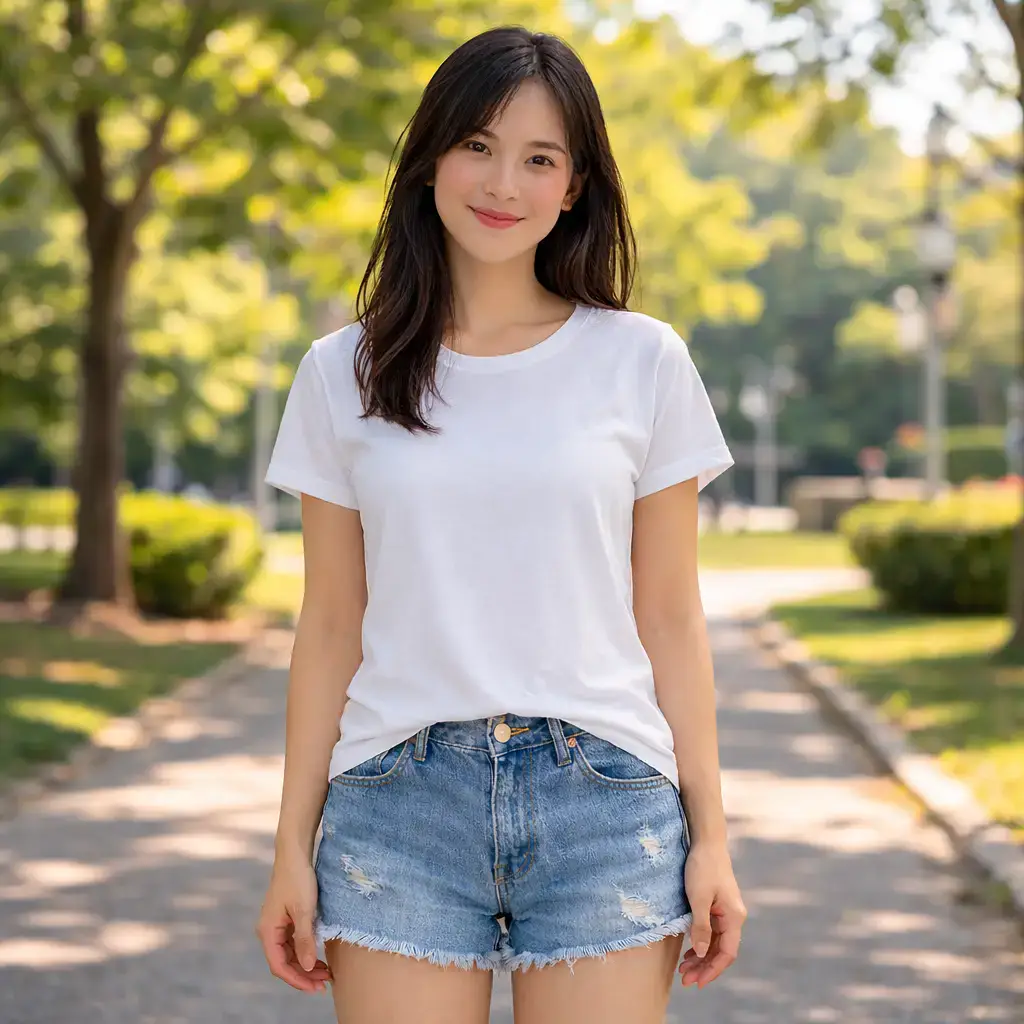
BeforeBefore / After before
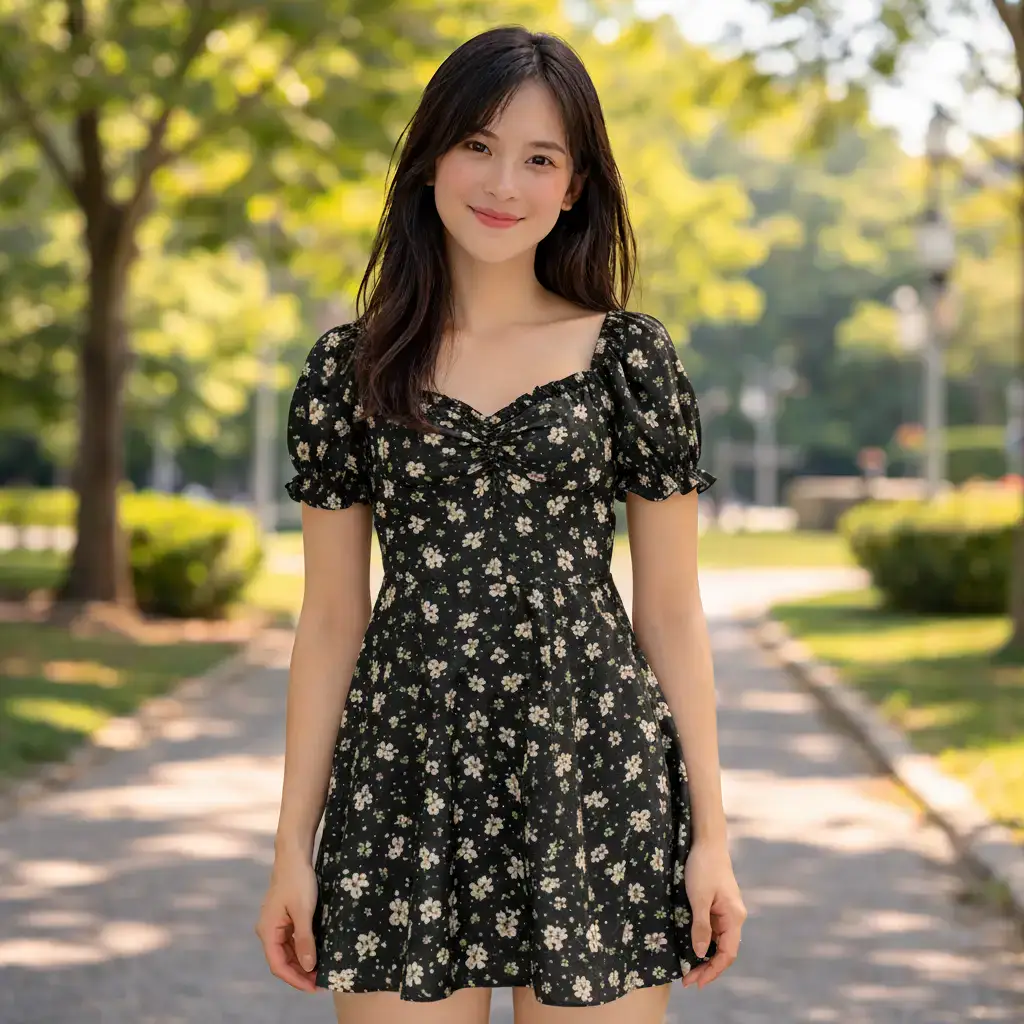
AfterBefore / After after

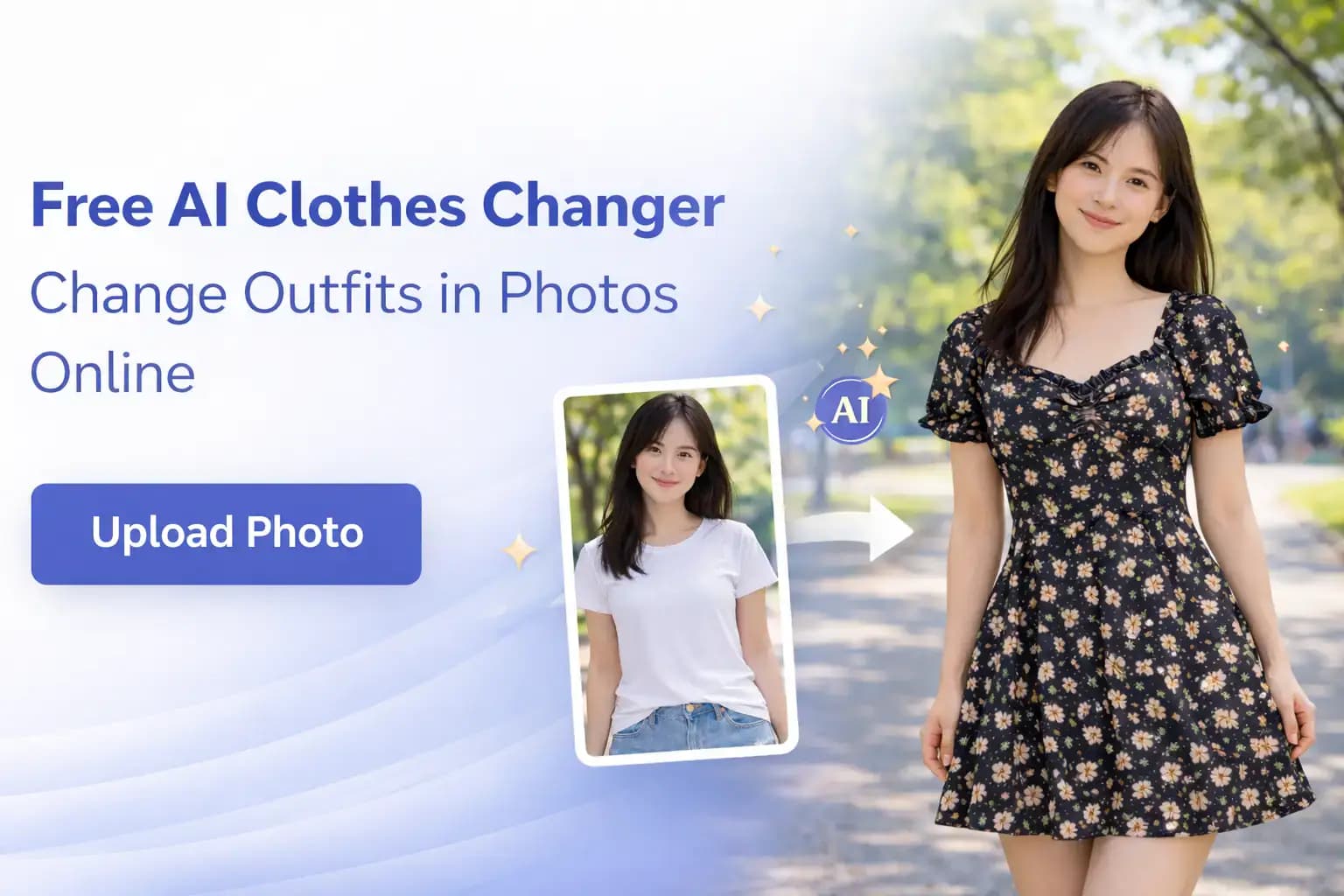
Free AI Clothes Changer – Change Outfits in Photos Online

Upload a photo and describe the new look you want. The AI Clothes Changer swaps tops, dresses, jackets, uniforms, and full outfits while preserving face identity, pose, and scene lighting. Use the AI Clothes Changer to test looks for ecommerce, campaign planning, and personal styling with daily free credits.

AI Clothes Changer preview showing a portrait before and after outfit change

What is an AI Clothes Changer?

An AI Clothes Changer is an image editing tool that replaces clothing in a photo based on your prompt. Instead of masking garments by hand, you describe the target outfit and the model generates a realistic replacement that matches body shape, fabric drape, and scene lighting. Teams use the AI Clothes Changer and AI outfit changer workflows to validate styling ideas before photoshoots, localize campaign looks, and produce more catalog variants from fewer source images. It works for creators, marketers, and sellers who need fast visual iteration without complex retouching workflows.

Interface of the AI Clothes Changer with prompt and output panel

Why teams choose this AI Clothes Changer

The AI Clothes Changer helps creative teams move from styling idea to publishable visual in minutes, and the AI Clothes Changer keeps iteration cycles short.

Realistic Looks

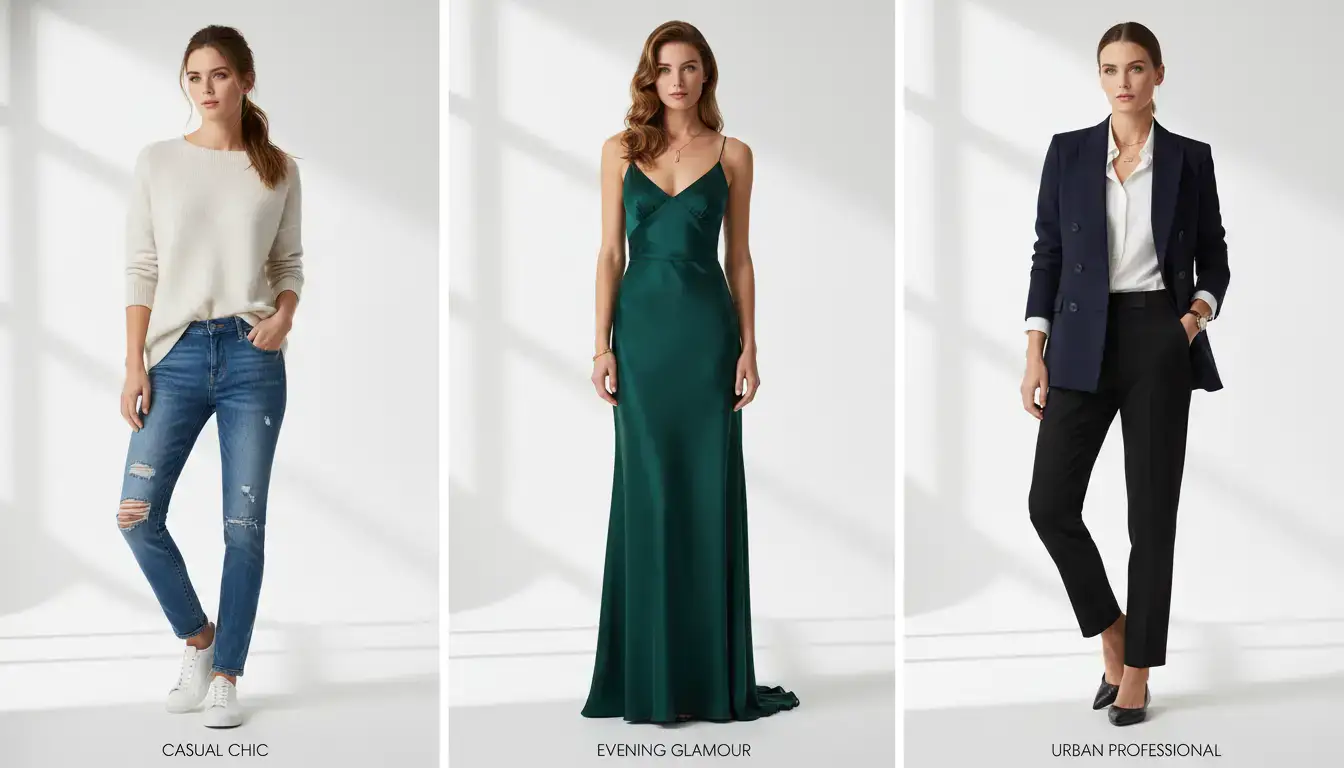
The AI Clothes Changer keeps folds, seams, and shadows believable while matching the original pose. Whether you switch to formalwear, streetwear, or seasonal layers, the new clothing integrates with skin tone and ambient light for natural results.
Fast Iteration

Need options quickly? Use the AI outfit changer and AI Clothes Changer to test colorways, silhouettes, and style directions without booking additional shoots. You can compare concepts, align with stakeholders, and finalize creative direction much faster.

Prompt Control

Describe exactly what to wear: item type, material, color, pattern, and context. The online clothes changer and AI Clothes Changer follow detailed instructions so you can produce outputs that align with brand tone, season, and audience expectations.

Where AI Clothes Changer creates the most value

Use the AI Clothes Changer to accelerate styling decisions and reduce visual production costs, especially when the AI Clothes Changer is used for rapid concept testing.

Ecommerce outfit variants

Create multiple wardrobe versions from one photoshoot to test merchandising concepts and seasonal assortments. The online clothes changer helps teams scale catalog experimentation with less production overhead.

Ecommerce model image with alternate outfit versions

Campaign pre-visualization

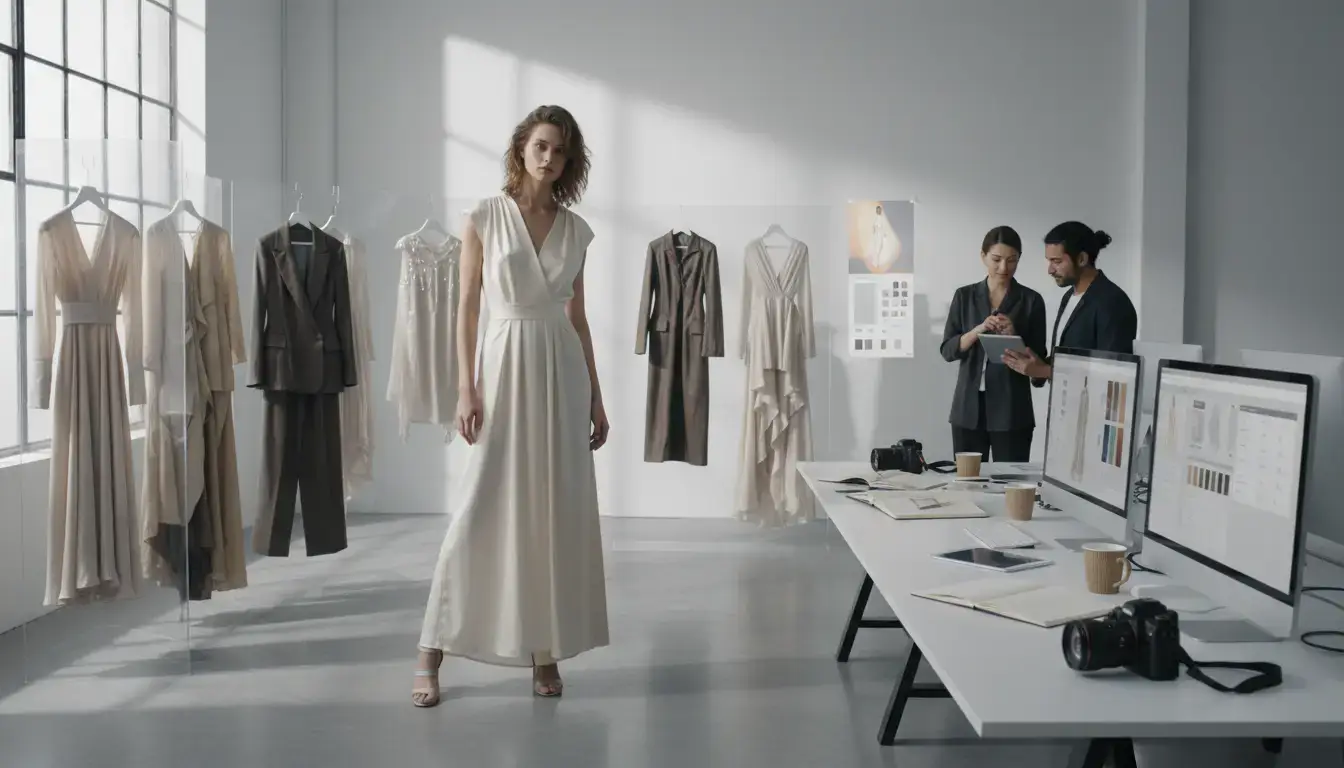
Before final production, use the AI Clothes Changer to validate styling direction for paid ads, landing pages, and social launches. Teams can align quickly on mood and wardrobe before committing budget.

Campaign moodboard with AI-generated outfit alternatives

Creator content planning

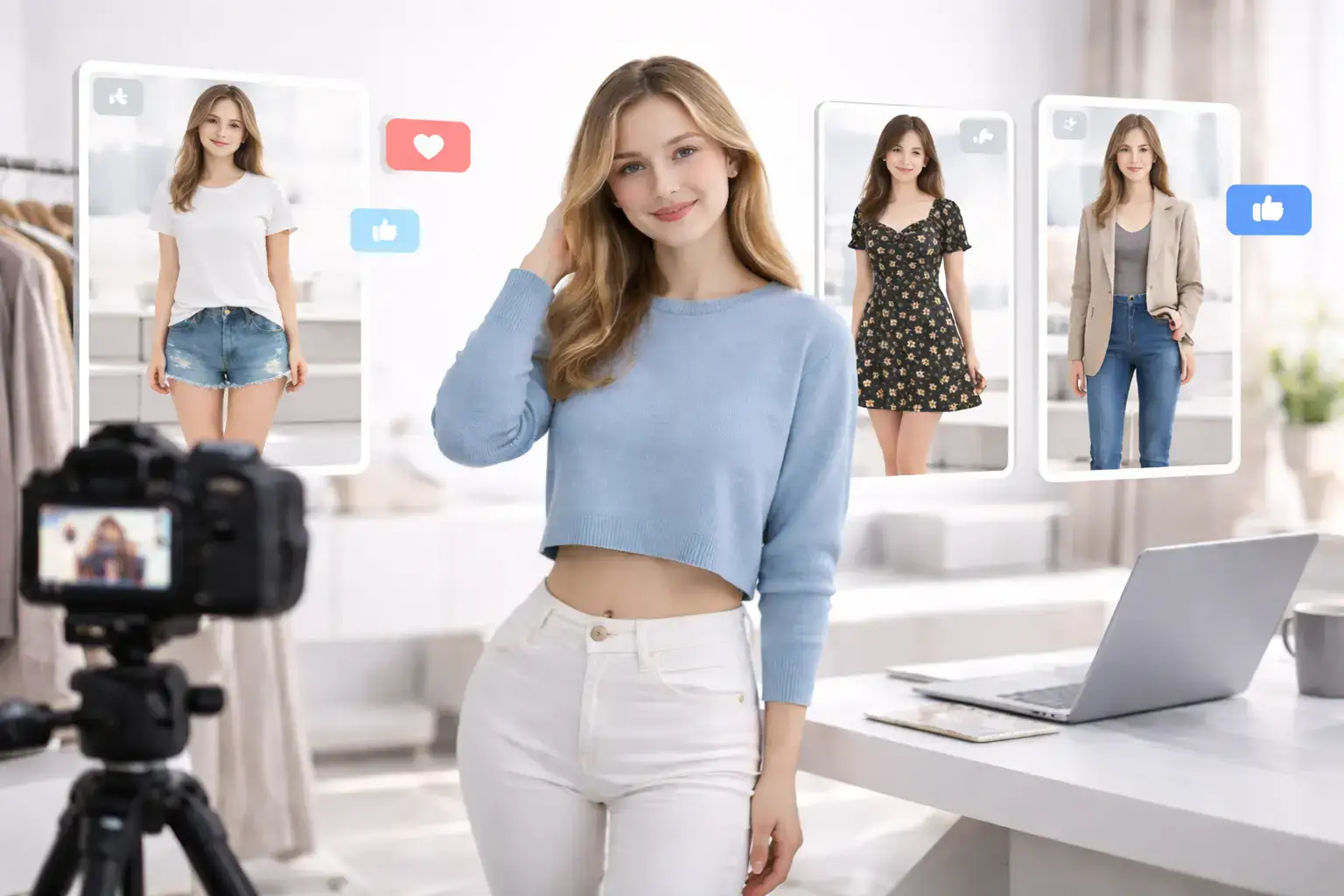
Creators can preview outfit concepts for reels, lookbooks, and collabs using one base photo. A virtual outfit changer helps plan content themes while reducing reshoot needs.

Creator workflow using AI outfit previews for social content

Personal styling and wardrobe testing

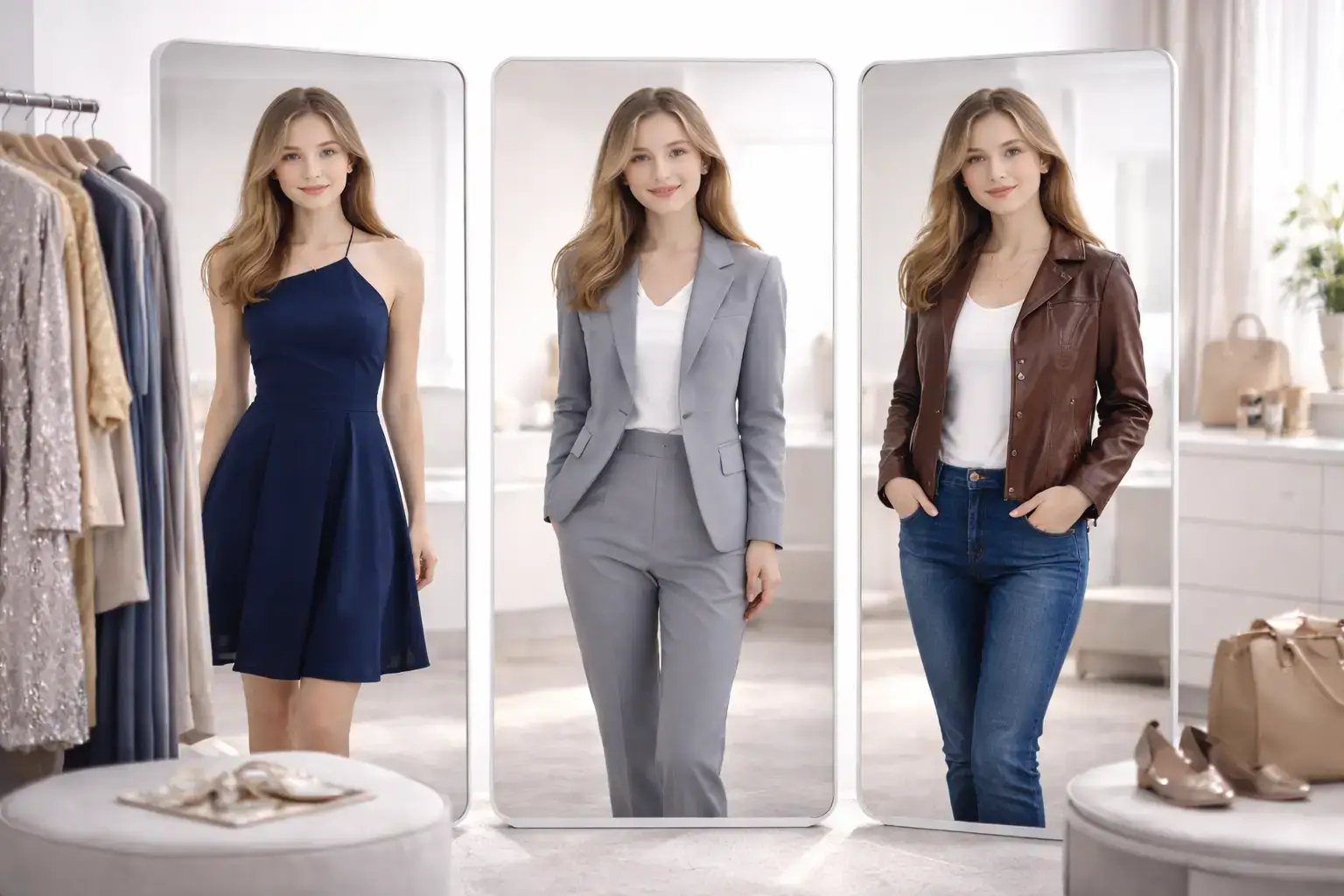
Try combinations before buying: formalwear, smart-casual, streetwear, and event looks. The AI clothes changer gives practical visual guidance for style decisions, and AI Clothes Changer previews help narrow choices quickly.

Personal wardrobe comparison generated by AI Clothes Changer

How to use the AI Clothes Changer

Create a new AI Clothes Changer outfit variation in three simple steps.

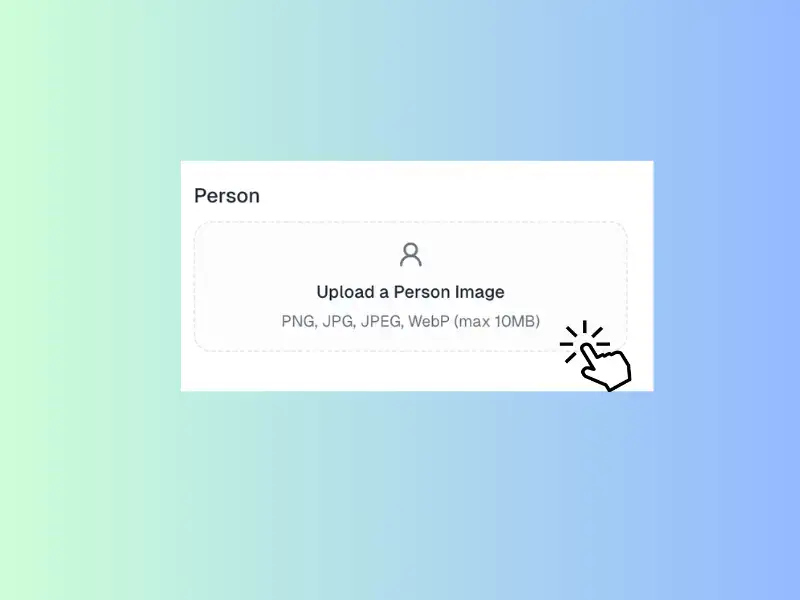
Uploading a base image to the AI Clothes Changer
Step 01

Upload your base photo

Start with a clear portrait or product-on-model image. The AI Clothes Changer works best when body contours and lighting are visible, so the AI Clothes Changer can preserve realism.

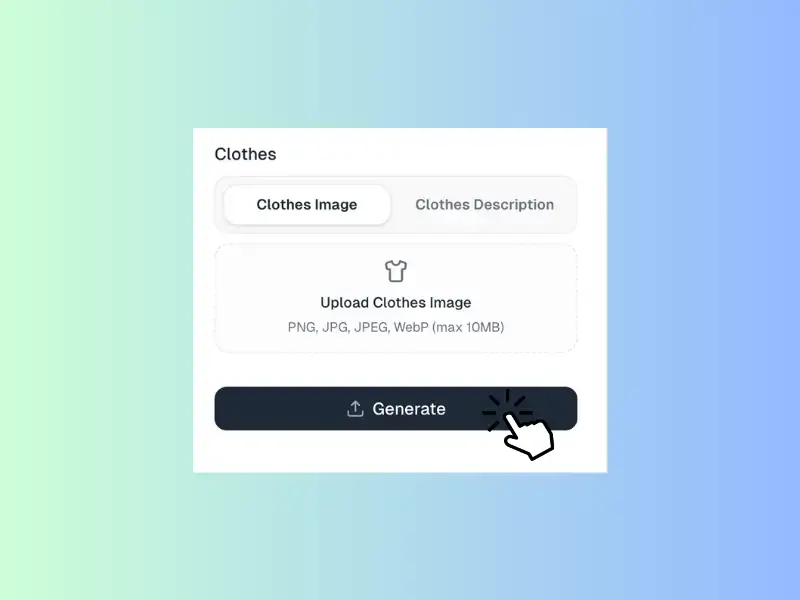
Prompt input for changing clothes in photo
Step 02

Describe the new outfit

Upload a clothing reference image, or describe the outfit type you want to switch to. For better results, include key details like style, color palette, fabric, and fit so the generated look stays realistic and on-brand.

Downloading final outfit swap result from the AI Clothes Changer
Step 03

Generate and export

Review the generated look, iterate if needed, then download the final image for presentations, listings, or campaign drafts.

What users say about AI Clothes Changer

Teams across ecommerce, marketing, and content creation use AI Clothes Changer to speed up visual decisions.

SL

Sofia Lin

Ecommerce Art Director

AI Clothes Changer helps us test styling concepts before production. We can evaluate color, silhouette, and seasonal direction in one review cycle instead of waiting for reshoots. It shortens approvals and keeps campaigns on schedule.

MR

Marcus Reed

Growth Marketer

We use the AI outfit changer for ad concept testing. Instead of producing every variant manually, we generate options fast and pick top performers for final creative. The speed improvement is significant.

YP

Yuna Park

Fashion Content Creator

This virtual outfit changer is great for planning weekly looks. I can prototype several aesthetics from one portrait and refine prompts until the direction feels right. It saves time and keeps my content calendar consistent.

DF

Daniel Flores

Marketplace Seller

The AI Clothes Changer helps us present more style options without photographing every SKU combination. It is especially useful during seasonal drops when timelines are tight and we still need polished visuals.

PS

Priya Sharma

Brand Designer

I use AI Clothes Changer in concept decks to compare wardrobe directions quickly. Stakeholders understand style proposals faster when they can see realistic outfit swaps in context rather than only references.

NB

Noah Bennett

Product Marketing Manager

Changing clothes in photo used to require intensive retouching and multiple rounds. Now AI Clothes Changer lets us prototype looks in minutes, choose finalists, and focus production resources where they matter most.

AI Clothes Changer FAQ

Answers to common questions about changing clothes in photos with AI.

Upload a photo and describe the outfit you want. The model edits the clothing region while preserving identity, pose, and overall scene. Detailed prompts about fabric, color, and style generally produce more accurate results.

Yes, you can start with daily free credits. This allows you to test quality and workflow before scaling usage. If you need higher volume for production use, paid plans provide additional credits.

Yes. Many teams use the tool to preview style variants for catalogs and campaign planning. Review outputs carefully for brand consistency and policy compliance before publishing customer-facing assets.

Use precise instructions: clothing type, color, material, fit, and mood. For example, "replace T-shirt with beige linen blazer" performs better than generic prompts because the model has clearer styling constraints.

In most cases, yes. The AI Clothes Changer is designed to preserve identity and pose while changing garments. Results vary by image quality, angle, and how large the clothing edit area is.

Absolutely. The virtual outfit changer is useful for comparing styles and color combinations before purchase. It is ideal for early decision support, though real-world fit and fabric behavior may still differ.

Daily free credits included

Start changing outfits with AI Clothes Changer

Try new outfit styles from a single photo, compare looks quickly, and create publishable visuals for campaigns or personal projects.

Try AI Clothes Changer