
Faster iteration for daily creation
Move from idea to final visual in shorter cycles. Generate options quickly, refine the strongest direction, and keep daily content production moving without heavy handoff.
Result
Generated image will appear here
Enter a prompt to get started
Nano Banana 2 helps you generate visuals and edit photos in one workspace. Create from prompts, clean distractions, swap backgrounds, and adjust lighting without switching tools. Start with free credits.
Nano Banana 2 is an AI image generator and photo editor for fast daily production. As a Nano Banana 2 AI image generator, it creates new visuals from prompts, edits existing photos, or combines both in one workflow. Use Nano Banana 2 text to image for idea generation and Nano Banana 2 image to image for controlled edits, then export publish-ready assets.
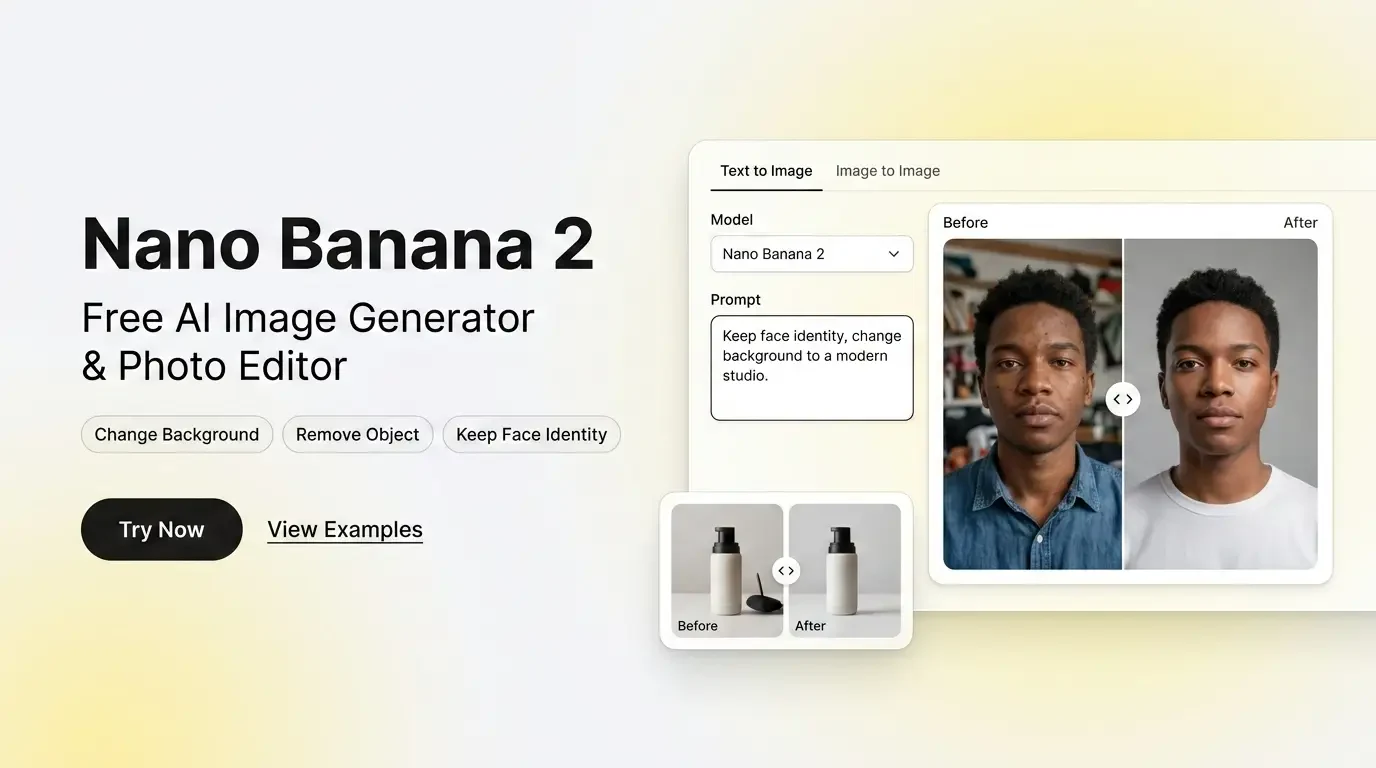
Nano Banana 2 combines generation and photo editing for a repeatable visual workflow.
Move from idea to final visual in shorter cycles. Generate options quickly, refine the strongest direction, and keep daily content production moving without heavy handoff.
Apply precise Image to Image updates while preserving composition and brand style. Replace backgrounds, clean distractions, and adjust lighting with more predictable control.
Create poster-ready visuals with stronger layout clarity and more readable text elements. This helps teams produce marketing assets that communicate faster and need less manual cleanup.
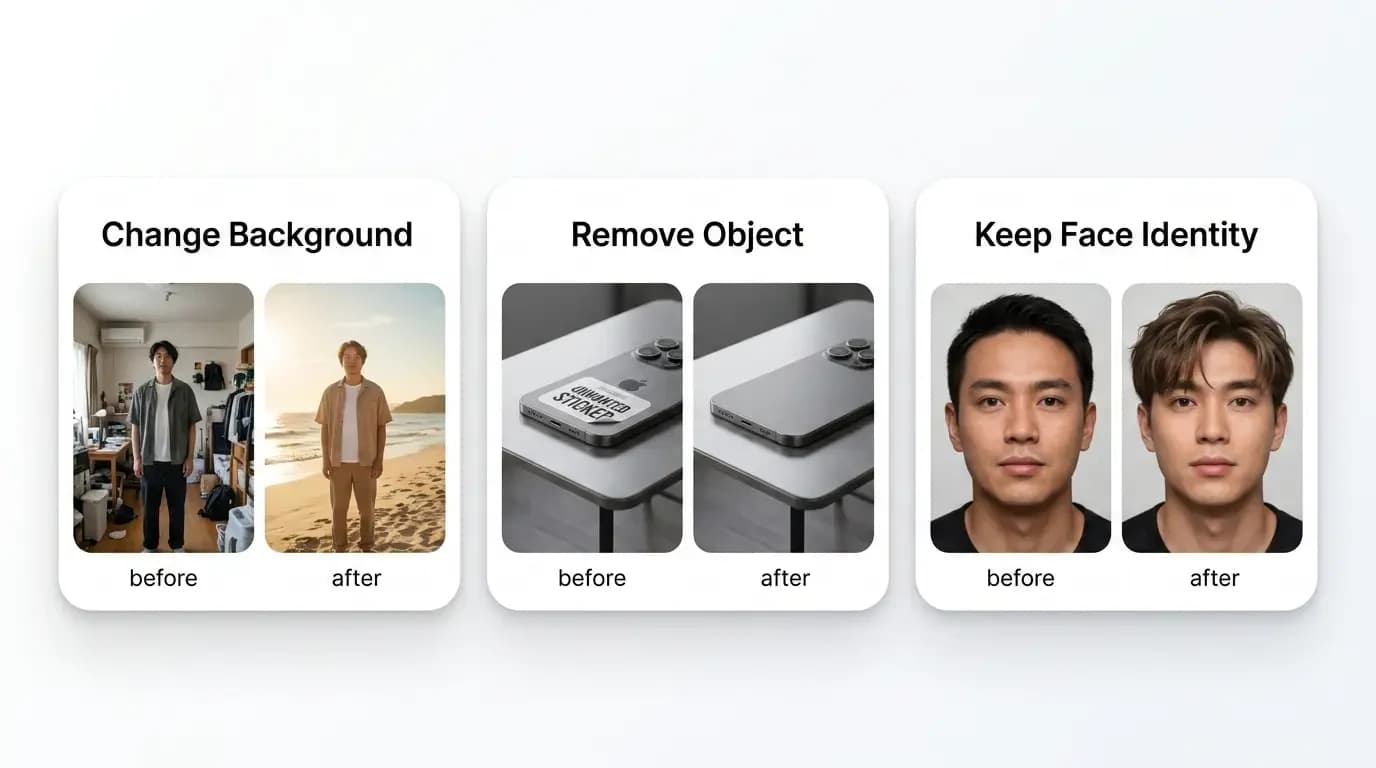
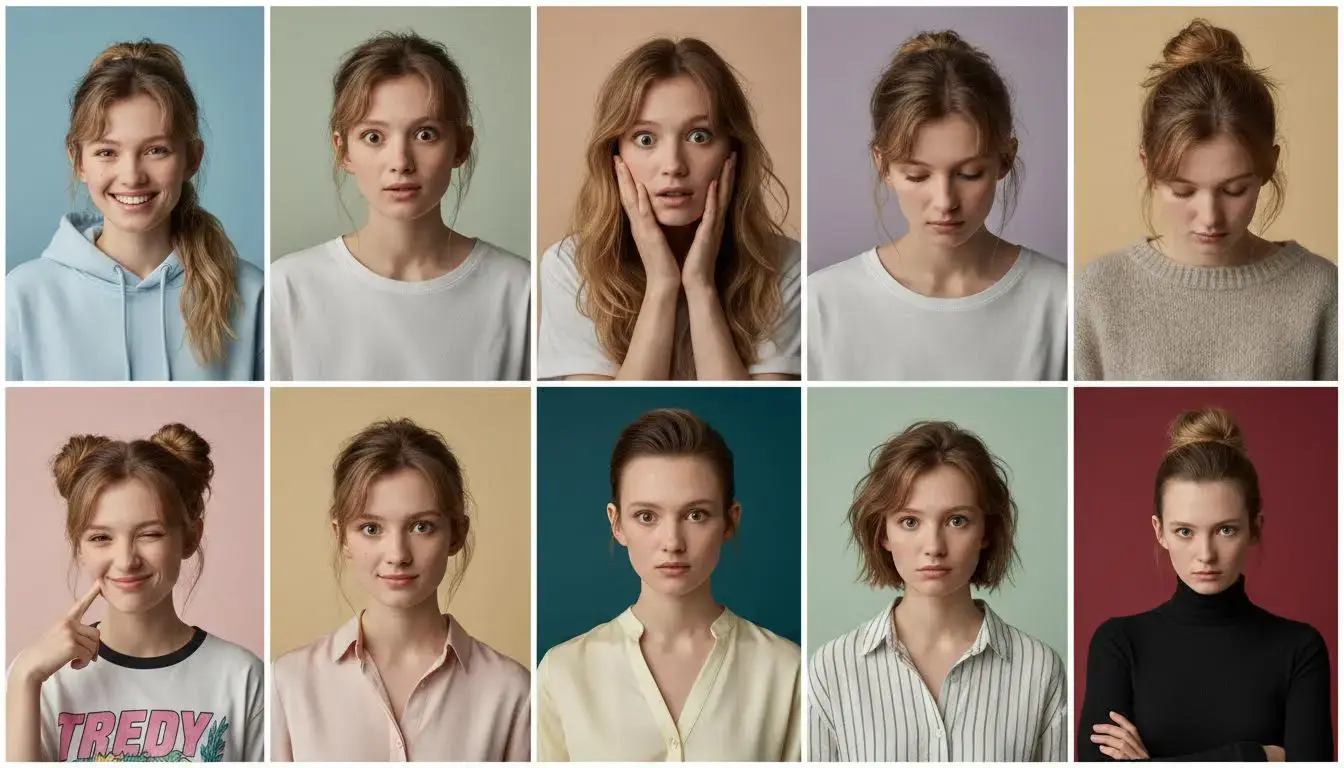
Use Nano Banana 2 for high-impact visual work: change backgrounds, remove objects, and keep face identity.
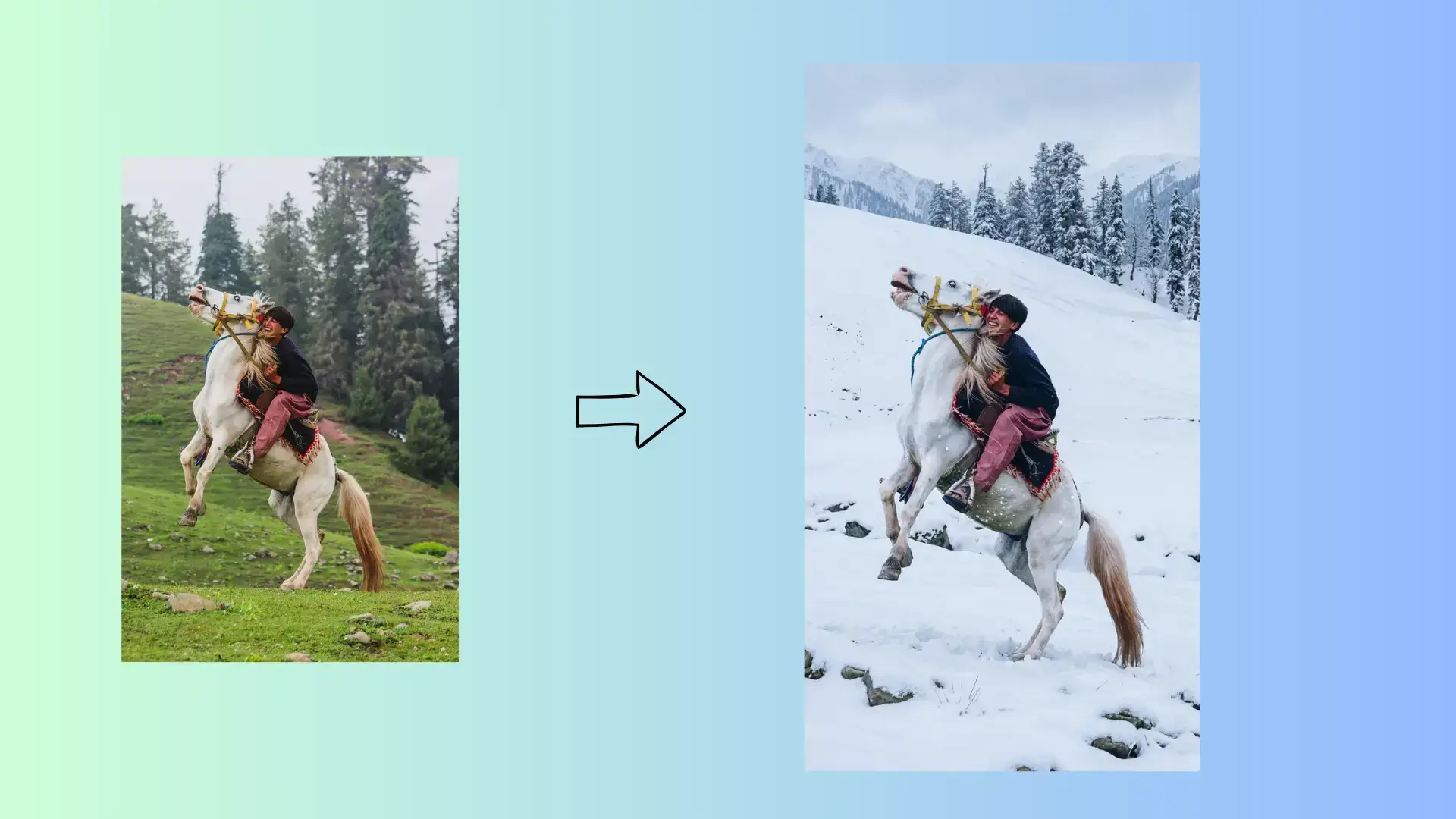
Replace dull or mismatched backgrounds in seconds while keeping subject placement natural. Nano Banana 2 helps teams produce scene-ready variants for ads, catalogs, and social posts without rebuilding the entire image.
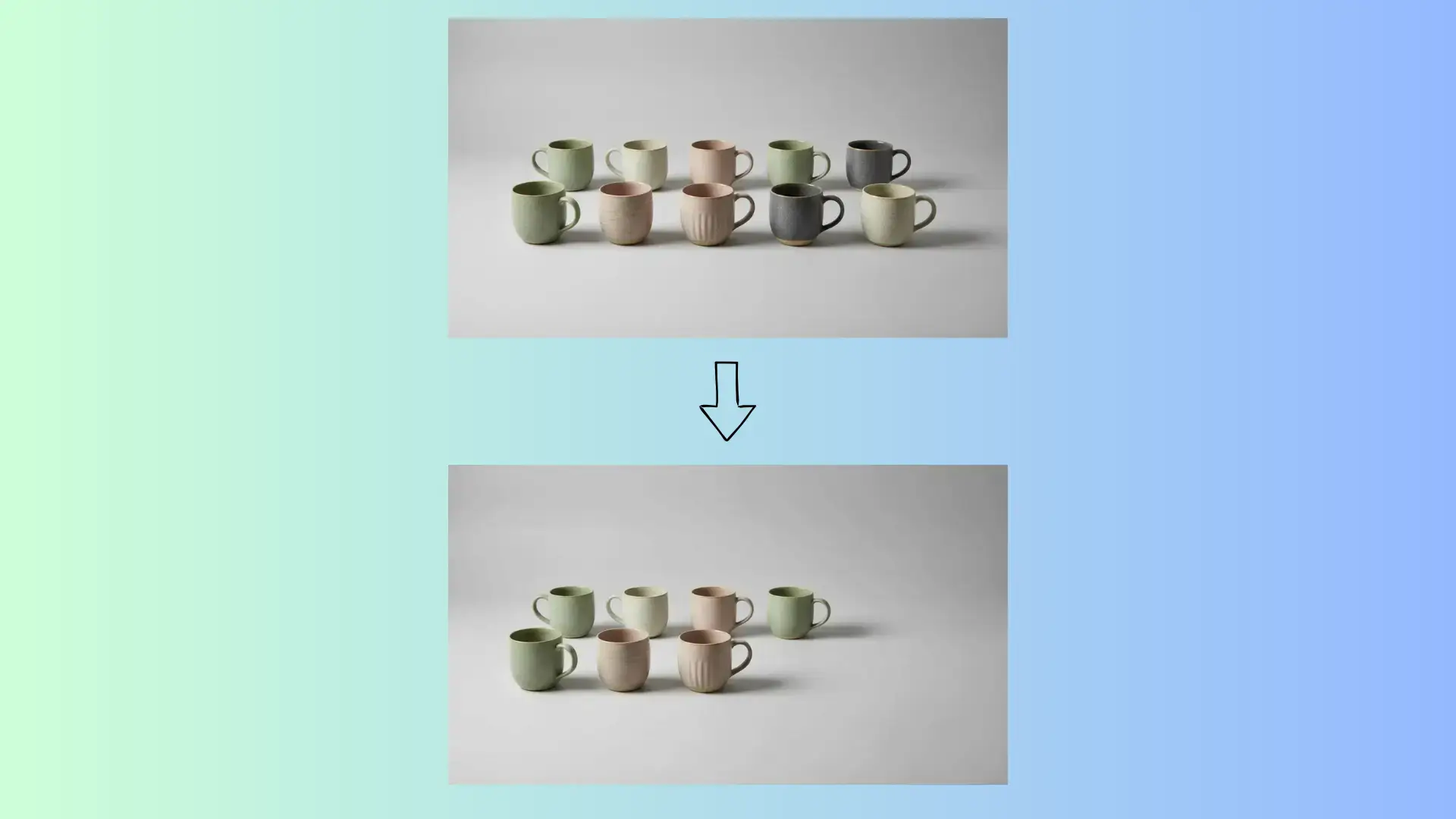
Clean unwanted objects, logos, or clutter from product and lifestyle photos with controlled edits. Nano Banana 2 preserves lighting and composition so final visuals look intentional instead of heavily retouched.
Update style, lighting, or setting while preserving facial identity for portraits and creator content. Nano Banana 2 keeps key facial traits stable across iterations, making character-consistent campaigns easier to produce.
Use this three-step flow to generate images, edit photos, and export assets quickly.
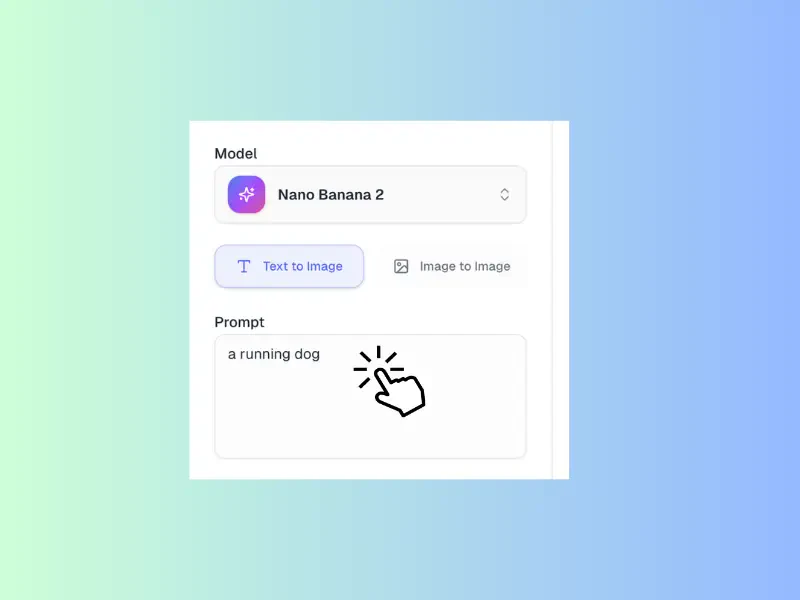
Write a clear prompt that describes your goal, then upload an image if you want to edit or guide the result. Prompt quality plus the right source image gives Nano Banana 2 a stronger starting point.
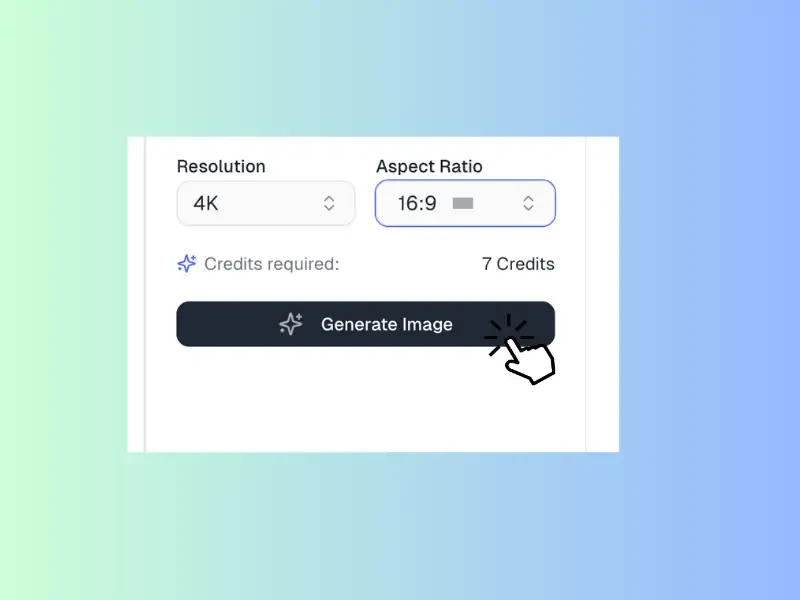
Choose the right resolution and aspect ratio for your target channel before generating. This ensures Nano Banana 2 outputs fit social posts, product pages, or ads without extra resizing.
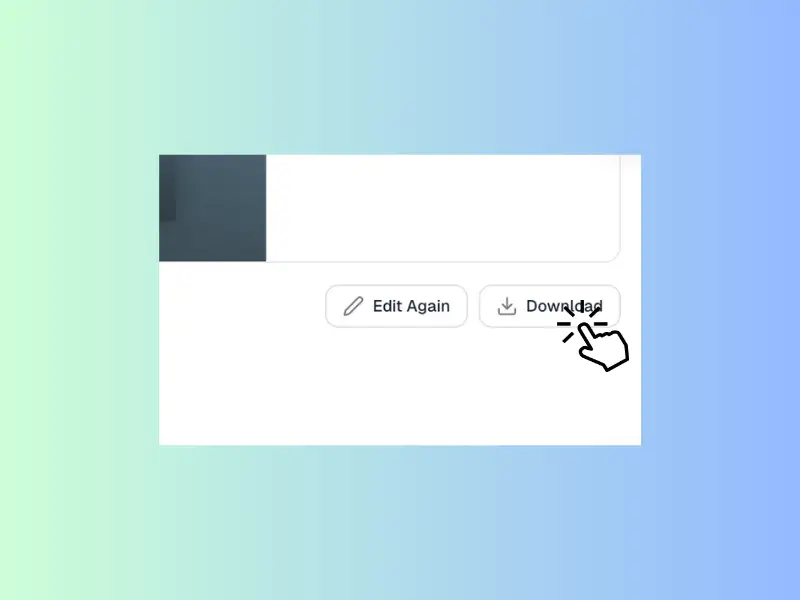
Download the image if the result is ready, or edit again by refining prompts and settings. Repeat quick passes until the final output matches your quality and style requirements.
Creators, marketers, and ecommerce operators use Nano Banana 2 to generate visuals and edit photos in one workflow, reducing production time while keeping quality consistent.
Ava Mitchell
Growth Marketing Manager
Nano Banana 2 helps our team move from copy draft to visual draft in one afternoon. We generate directions, edit final picks for each channel, and keep campaign assets consistent.
Liam Carter
Ecommerce Creative Lead
We use Nano Banana 2 for product heroes and catalog retouching. Generating concepts and cleaning details in one place keeps launches faster and cuts revision overhead.
Sophia Kim
Social Content Strategist
Nano Banana 2 gives our social team speed with control. We generate ideas, refine lighting and backgrounds, and publish on-brand visuals even during busy weeks.
Noah Bennett
Product Marketing Manager
Nano Banana 2 is part of our launch workflow for feature pages and updates. We generate concept visuals, edit final outputs, and shorten feedback loops across teams.
Emma Rodriguez
Freelance Brand Designer
As a solo designer, Nano Banana 2 lets me generate concepts and clean photos in one place. I test directions quickly and deliver clearer client options faster.
Daniel Park
Content Operations Lead
Our content team uses Nano Banana 2 for blog graphics, newsletters, and campaign pages. We generate first drafts, edit selected assets, and keep quality consistent with a simple repeatable process.
Questions about Nano Banana 2 pricing, editing features, generation modes, and commercial use.
Nano Banana 2 includes daily free credits so you can generate images and edit photos before upgrading. Each generation or edit consumes credits, and free credits refresh daily, so you can test real workflows before moving to a paid plan.
Nano Banana 2 handles object cleanup, background replacement, relighting, and style changes. You can also use prompt guidance to preserve composition while transforming mood or visual tone for campaign variants.
Yes. Nano Banana 2 supports both modes in one interface. Use Nano Banana 2 text to image for blank-canvas generation, and Nano Banana 2 image to image for controlled edits from an existing photo.
Nano Banana 2 supports practical ratios like 1:1, 4:3, 3:4, 16:9, and 9:16, plus adaptive options. Picking the right ratio early helps reduce crop rework and keeps assets consistent across channels.
In most cases, yes. Teams use Nano Banana 2 for ads, social campaigns, product pages, and launch materials. As with any AI workflow, check your account terms and brand policy before publishing commercial deliverables.
Use clear prompts with subject, lighting, palette, and composition guidance, then iterate in small steps. For editing, define what should change and what should stay fixed. Saving successful prompt patterns helps maintain consistent quality.
AI image generation and photo editing
Use Nano Banana 2 to generate visuals, edit photos, and deliver polished creative faster. Test workflow and scale when your team needs more volume.
Launch Nano Banana 2