
Result
Generated image will appear here
Enter a prompt to get started
AI Image Generator for Creative Exploration
Turn clear prompts into consistent visuals you can ship. Explore styles and create graphics in seconds — free to use, no login required.
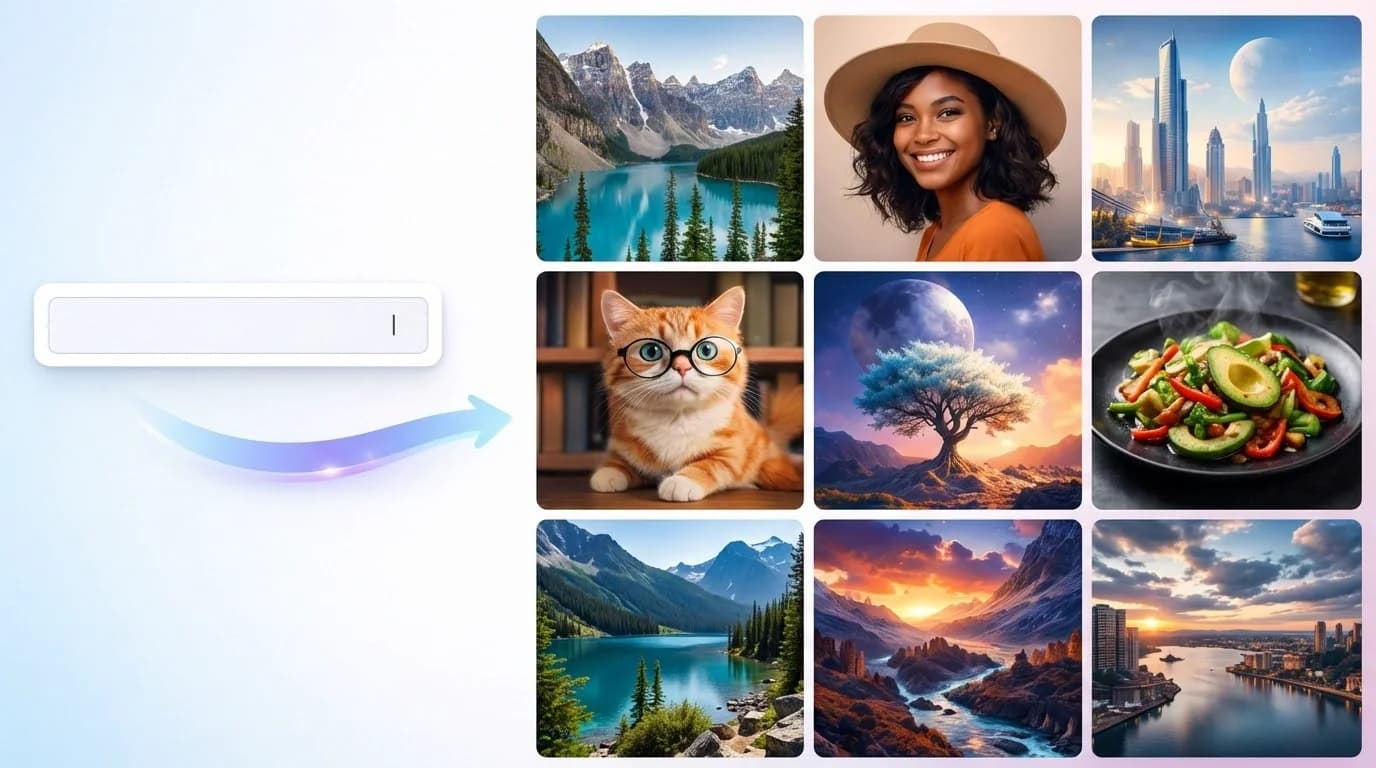
What is an AI Image Generator?
An AI Image Generator helps teams create high-quality visuals from text or existing images. With powerful Text to Image and Image to Image capabilities, you can generate, edit, and enhance images in seconds. Perfect for marketing, design, and storytelling—use it to produce realistic photos, eye-catching graphics, and on-brand creatives without complex tools or workflows.
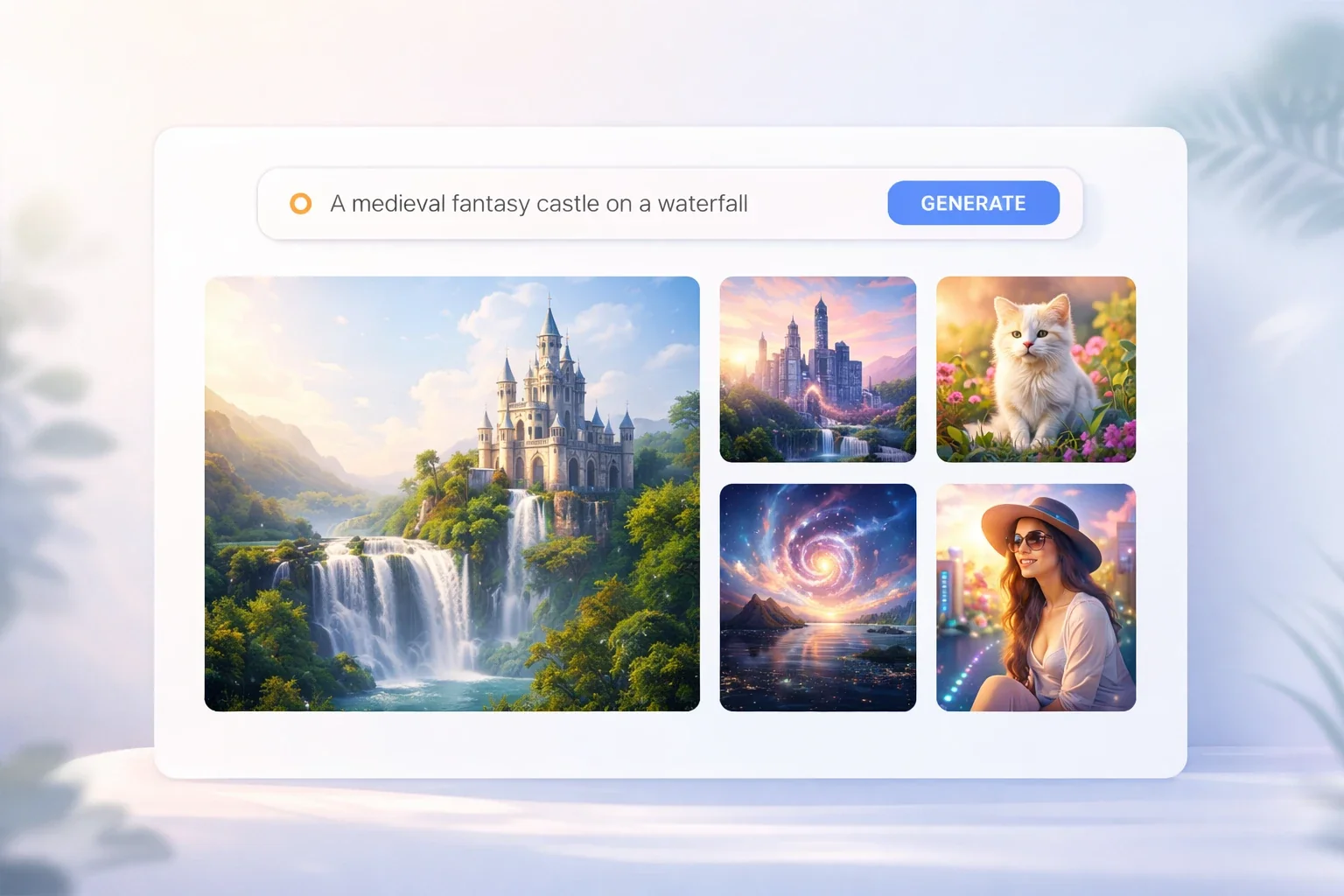
Why teams choose this AI Image Generator
The AI Image Generator balances quality, speed, and control so teams can move from idea to asset without production bottlenecks or inconsistent visuals.
High-fidelity results from the AI Image Generator
The AI Image Generator keeps texture, lighting, and clarity crisp across web and print. Clean edges and balanced contrast make outputs campaign-ready. It also keeps compositions stable across variations, so you can choose a winner without losing intent.
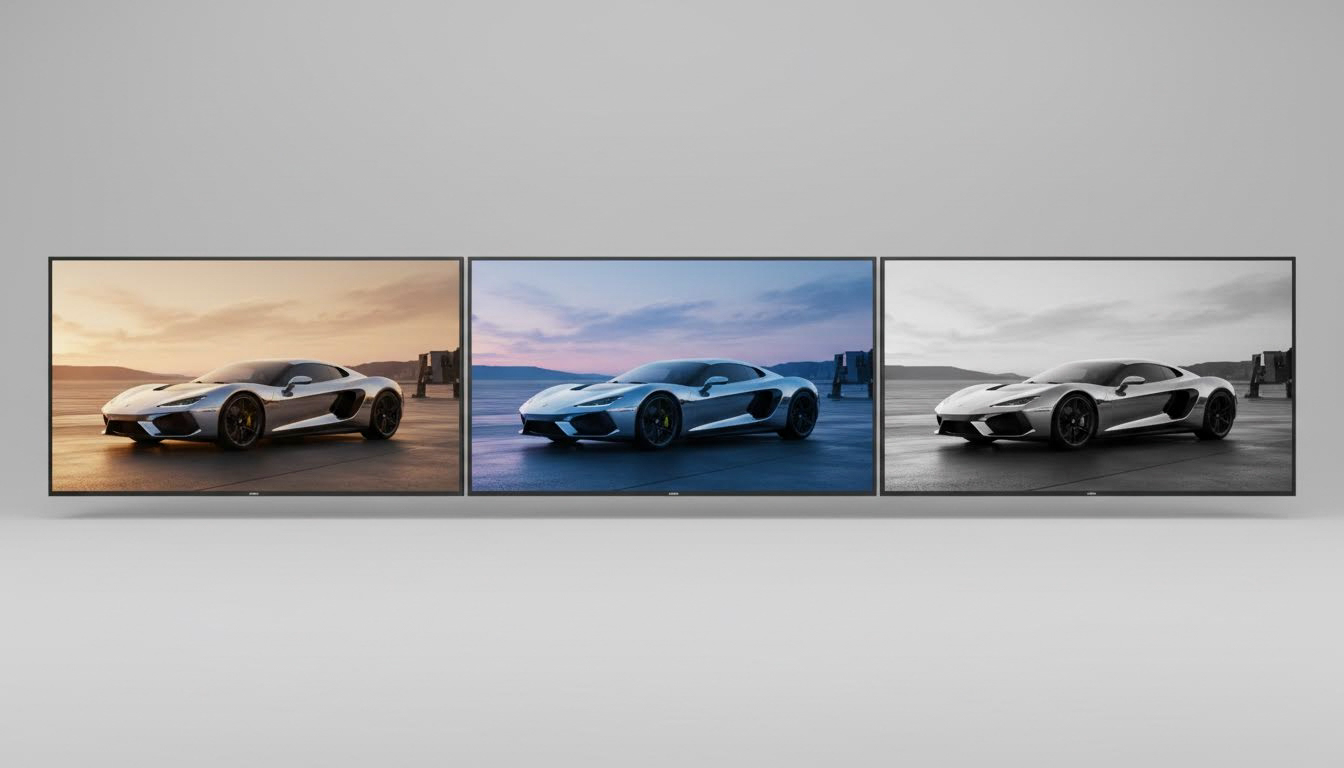
Generate options in minutes with the AI Image Generator
The AI Image Generator delivers multiple drafts quickly, making it easy to test headlines, layouts, and color stories. Refresh creative for each campaign while turnaround stays predictable.
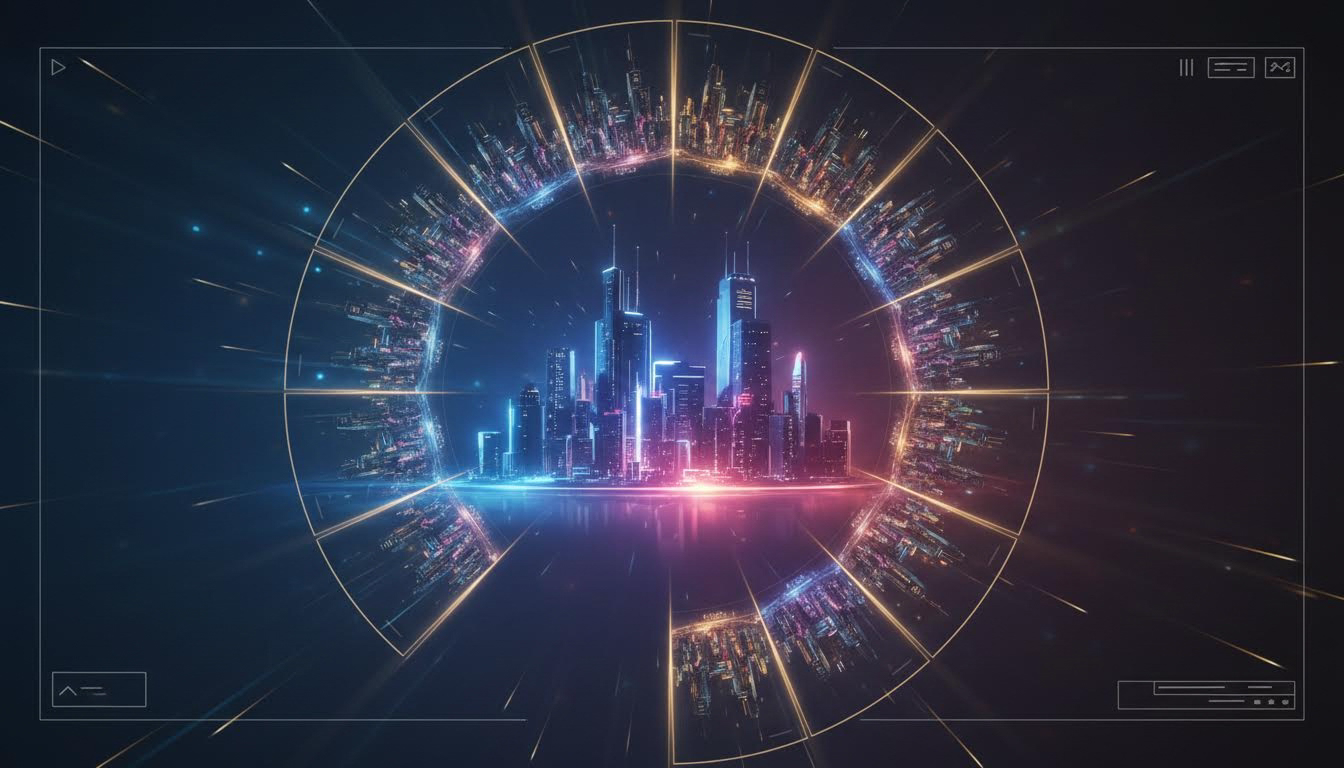
An AI Image Generator that adapts to your style
Adjust style strength and composition cues to keep a consistent look. The AI Image Generator supports clear prompts and repeatable settings so the same visual language appears across ads, social tiles, and blog imagery. Use it for controlled, on-brand outputs.
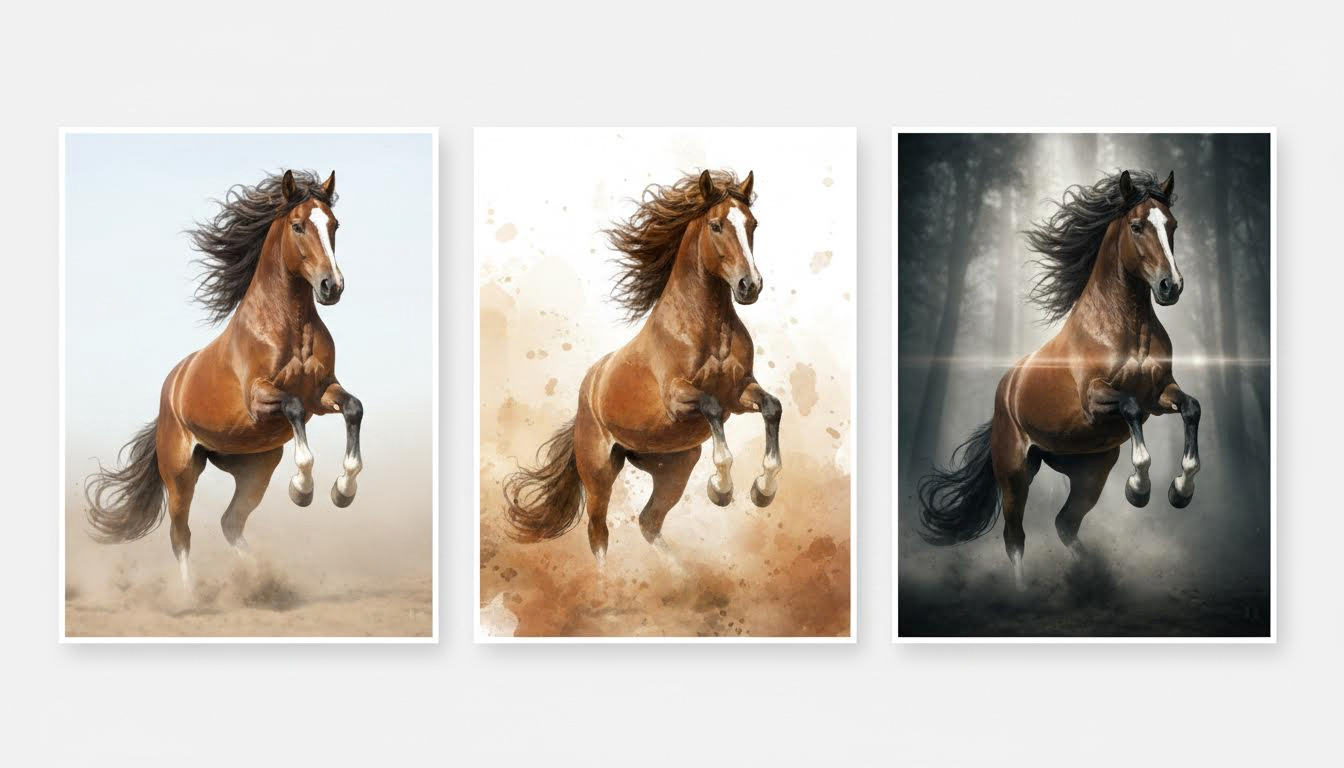
Use cases for the AI Image Generator
From marketing launches to blog storytelling, the AI Image Generator helps teams create fresh assets quickly and keep visual systems consistent across channels.
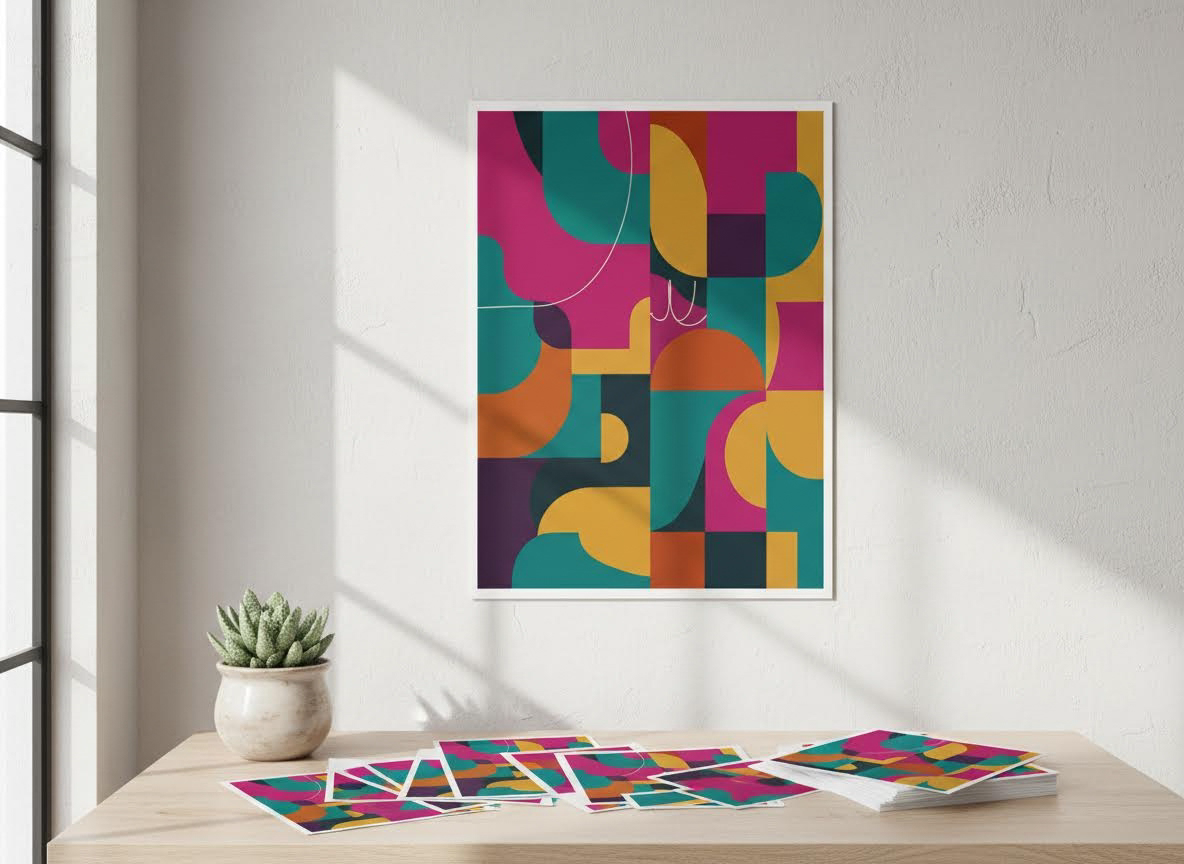
Marketing ads
Build poster layouts and ad variants fast using the AI Image Generator, then share the strongest version with your campaign team.
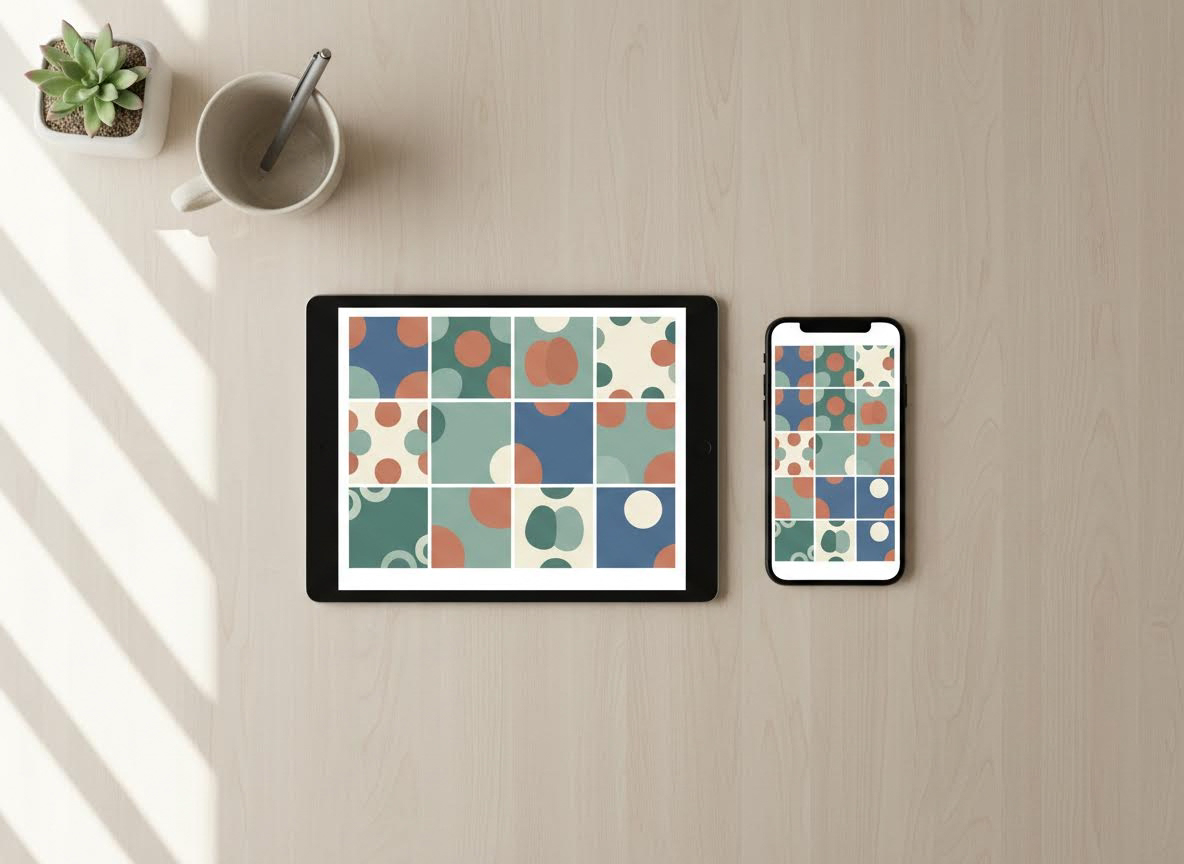
Social visuals
Create tiles, stories, and covers in one session. The AI Image Generator keeps a consistent look while refreshing graphics for new posts.
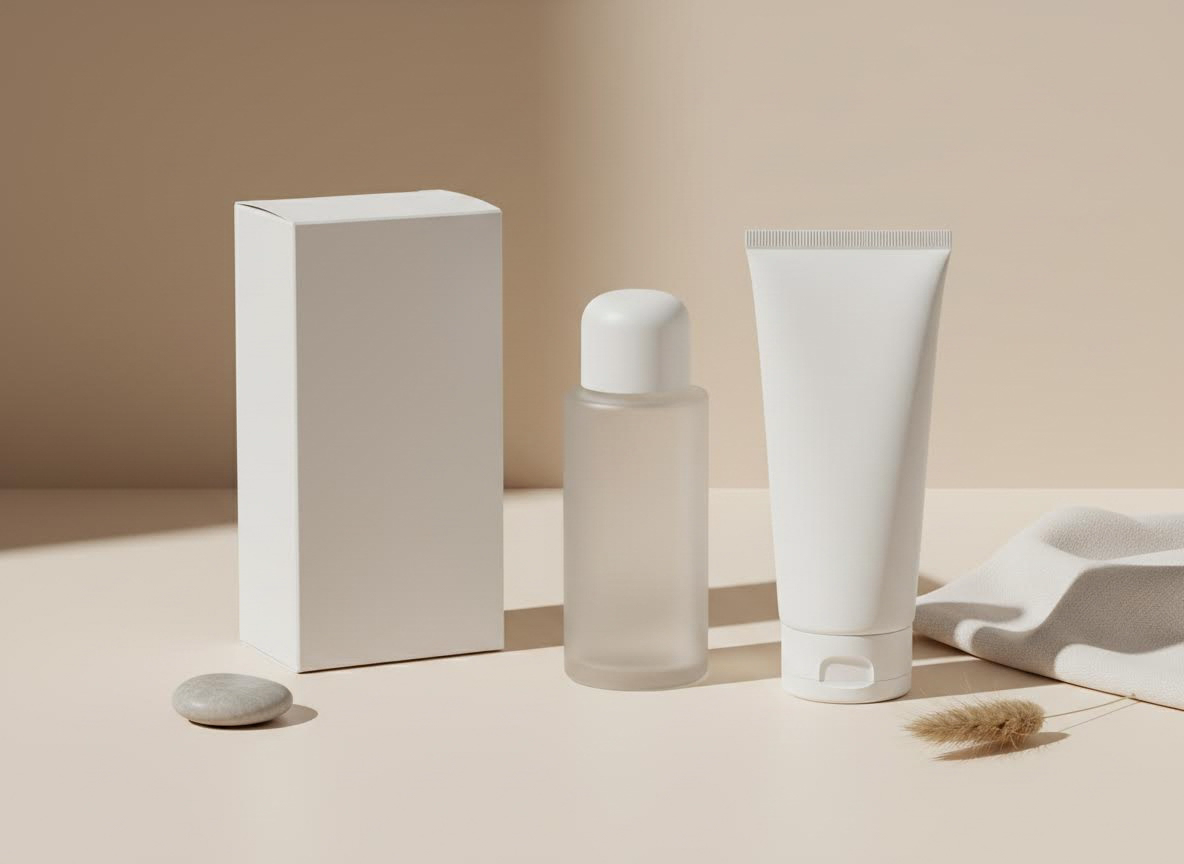
E-commerce concepts
Prototype product scenes and packaging with the AI Image Generator before photography, then align stakeholders on the chosen direction.
Blog illustrations
Create blog headers and article illustrations quickly. The AI Image Generator keeps tone consistent without pulling design resources.
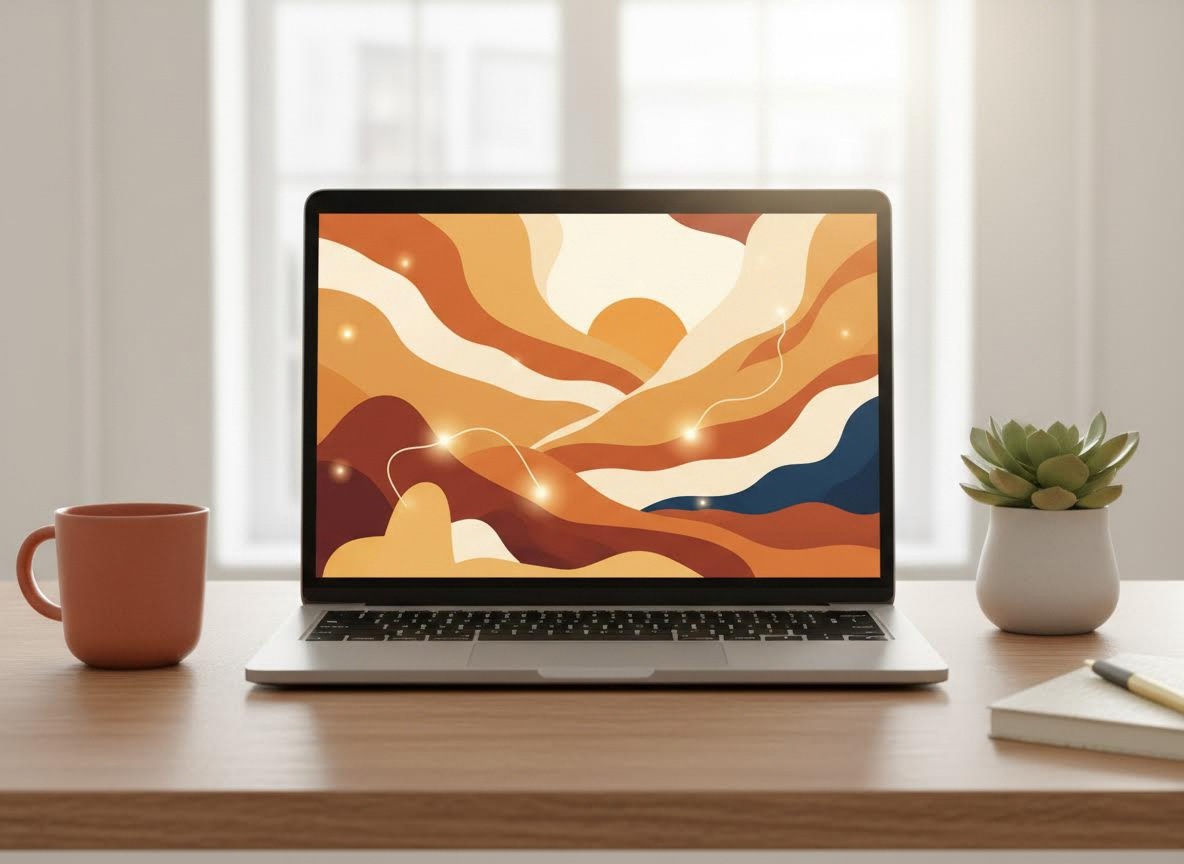
How to use the AI Image Generator
The AI Image Generator is simple: describe, generate, then refine until the visual matches your intent.
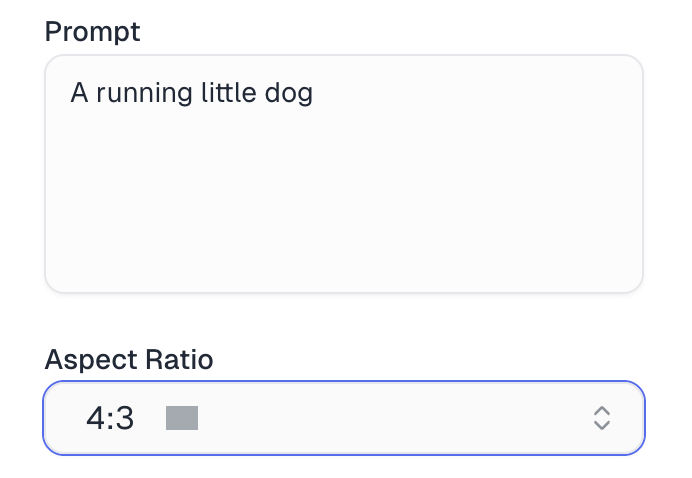
Enter a clear, specific prompt
Describe the subject, style, and key details so the AI Image Generator understands exactly what you want.
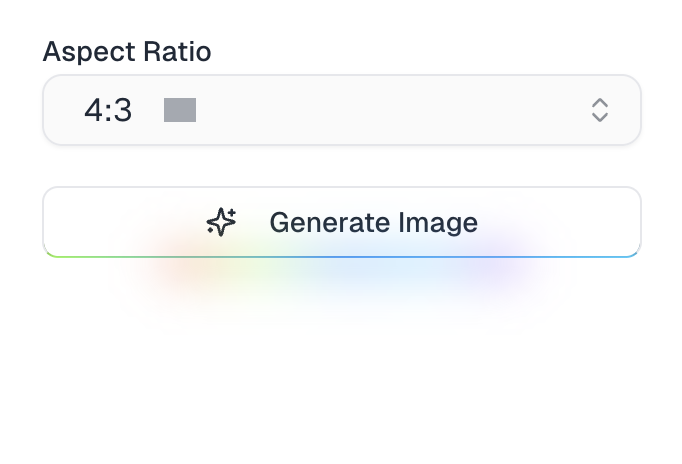
Choose an aspect ratio and generate
Pick an aspect ratio like 1:1, 16:9, or 9:16, then click generate to create your image.
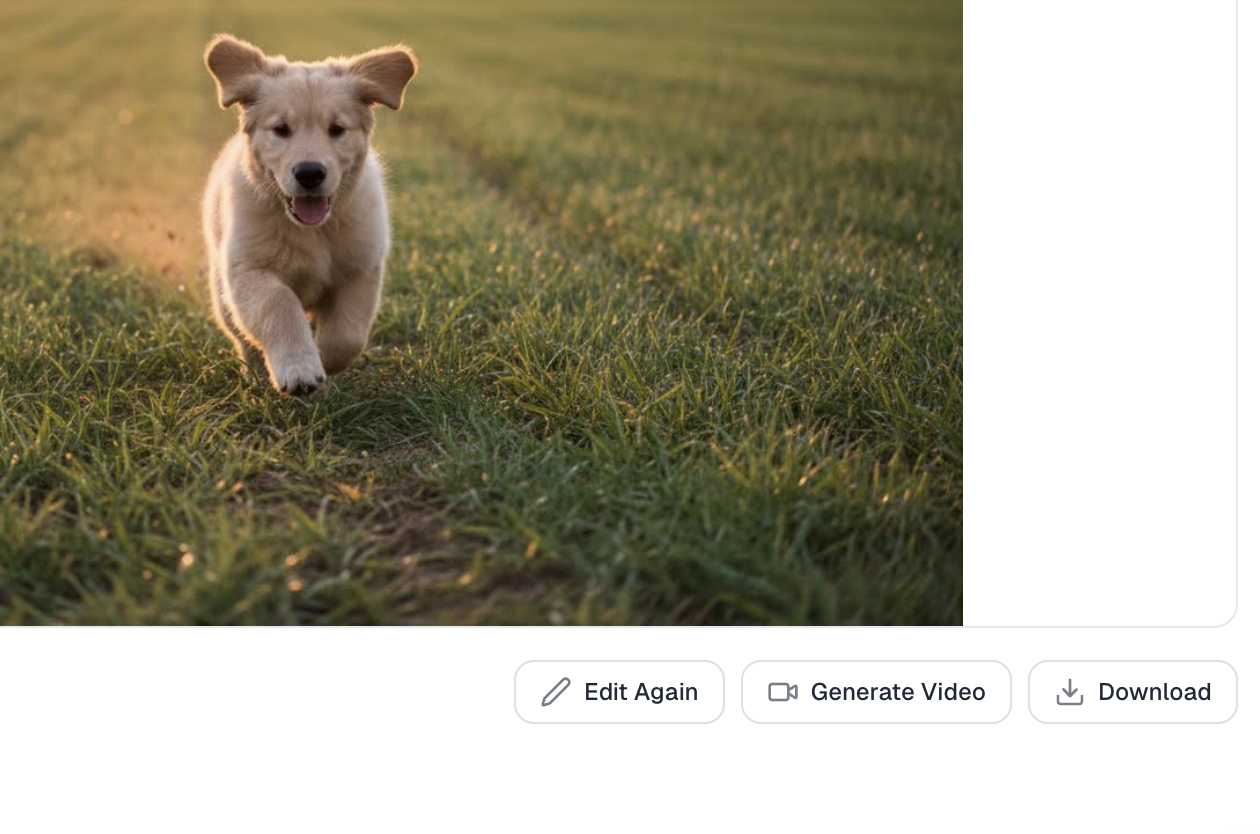
Download or keep editing
Download the result or tweak the prompt and settings to refine the image further.
Teams rely on the AI Image Generator
Creators, marketers, and founders use the AI Image Generator to move from idea to asset without delays while keeping a consistent visual style.
Sarah Chen
Social Media Manager
The Text to Image Generator helps me plan a whole week of posts in one go. I use text to image to quickly match visuals with our campaign ideas and try a few different looks. It makes everything feel more organized, and we don't have to rush for last-minute design help.
Marcus Johnson
Freelance Designer
When I need ideas fast, the AI Image Generator is usually my first step. I start with text to image to explore lighting and composition, then tweak the best one using image to image. It saves me a lot of time early on and makes it easier for clients to pick a direction.
Emily Rodriguez
E-commerce Owner
We don't have a studio, so the AI Image Generator really helps us imagine what our products could look like. With text to image, we can test bundles, seasonal themes, and lifestyle scenes before spending money on photos. It's an easy way to try ad ideas without extra cost.
David Park
Content Strategist
The AI Image Generator makes it simple to add visuals to our articles. We use text to image for headers and social posts, and sometimes image to image to keep things looking consistent. It helps our small team move quickly without everything feeling rushed.
Lisa Thompson
Marketing Director
During busy launch weeks, the AI Image Generator is great when we need something new, fast. Using text to image, we can get a few banner options on the table and pick what works best. It keeps things moving when time is tight.
James Wilson
Product Manager
I use the AI Image Generator to show ideas before we jump into design work. With image to image, we can play with layouts and mood and narrow things down together. It helps everyone get on the same page early.
AI Image Generator FAQ
Common questions about using the AI Image Generator for everyday creative work.
Yes. The AI Image Generator includes daily free credits so you can generate and compare images before upgrading. Use the free credits to explore styles, then decide if higher volume fits your workflow.
The AI Image Generator supports marketing graphics, product concepts, social tiles, and blog illustrations. You can use it as an AI Photo Generator for realistic scenes or an AI Picture Generator for bold, stylized visuals.
Start with a clear subject, add style references, and specify lighting or mood. The AI Image Generator responds well to concise prompts, and you can iterate by adding details or removing distractions until the output feels right.
Yes. Images from the AI Image Generator can be used for commercial projects in most cases. Review your account terms for specifics, but teams commonly ship ads, landing pages, and social campaigns created with the AI Image Generator.
The AI Image Generator lets you select common ratios such as 1:1, 3:4, 4:3, 9:16, and 16:9. This keeps assets consistent for social posts, presentations, and ads without manual resizing.
Use repeatable prompt structures, consistent style cues, and similar aspect ratios. The AI Image Generator can act as an image generator ai when you need fast iteration, but keeping prompts consistent helps it maintain a unified look.
Daily free credits
Create more with the AI Image Generator
Bring ideas to life with the AI Image Generator. Use daily free credits to test styles, refine prompts, and download images that match your brand, then scale up when you are ready for volume.
Start with free credits