ZeroGen LogoZeroGen
Model
Prompt
Aspect Ratio

Result

Generated image will appear here

Enter a prompt to get started

GPT Image 2.5 Flare - Free AI Image Generator, Photo Editor

Generate and edit images with GPT Image 2.5 Flare from a plain text prompt. Flare is tuned for speed: it turns a brief into a usable visual direction quickly, so you can explore several routes before committing to one. Start with the daily free quota, pick an aspect ratio, and download the result or refine it with a reference image.

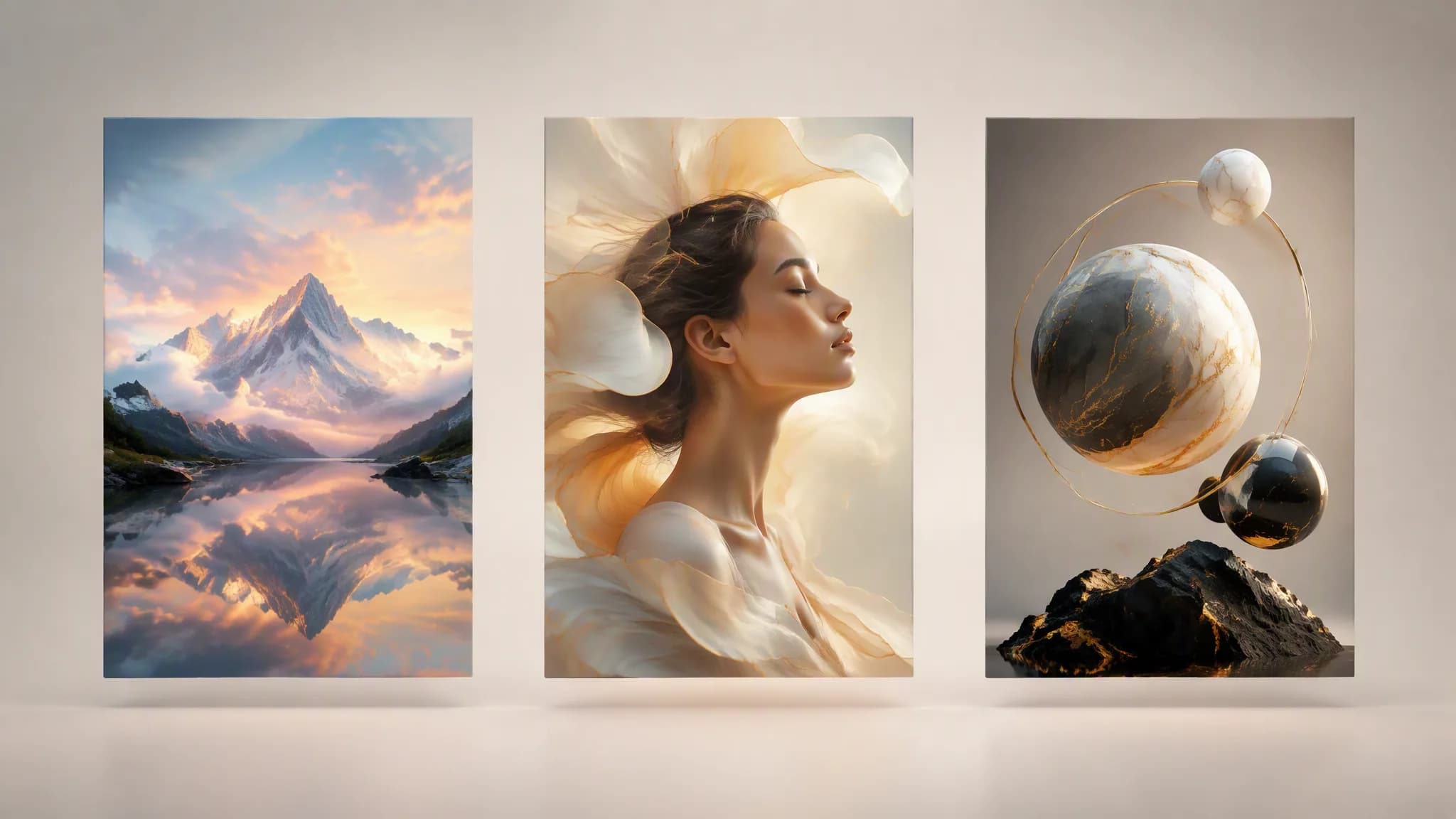
GPT Image 2.5 Flare gallery showing generated poster, product, and editorial results

Why choose GPT Image 2.5 Flare

GPT Image 2.5 Flare sits alongside the other ZeroGen models, so you can switch models without leaving the editor or relearning the workflow.

Built around the OpenAI GPT Image 2.5 Flare model

Describe subject, layout, lighting, material, and output format, then generate a draft that gives your team a concrete direction. Flare is tuned for speed: it turns a brief into a usable visual direction quickly, so you can explore several routes before committing to one.
Every aspect ratio the editor offers

Square, portrait, landscape, 4:3, 3:4, 16:9, and 9:16 are all supported, so a single prompt can be taken straight to a poster, a feed post, or a widescreen hero banner.

Text-to-image and reference-guided editing

Start from a prompt, or upload a reference image and describe the change. The same model handles both, so exploration and refinement stay in one place.

What people build with GPT Image 2.5 Flare

GPT Image 2.5 Flare covers the visual work that usually stalls between an idea and a design pass.

Marketing campaigns and ad tests

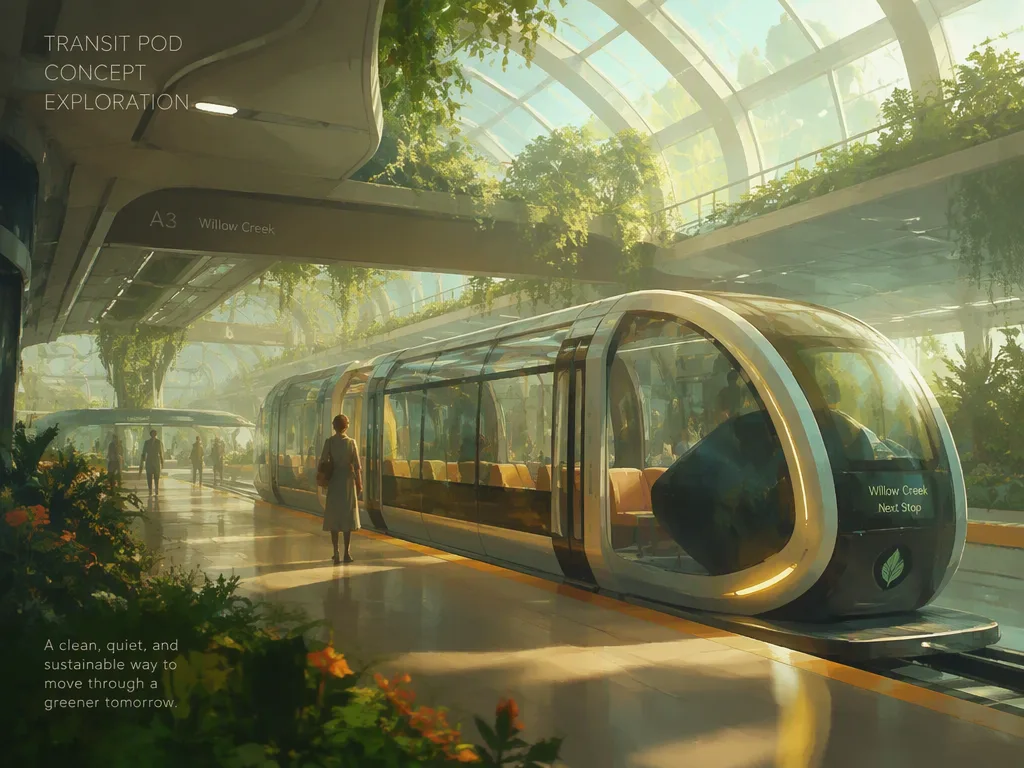
Turn a launch message into several visual routes for social ads, landing pages, and seasonal campaigns. Generate directions from prompts, then refine the promising ones with tighter wording or a new aspect ratio before final design work.

Campaign visual generated from a prompt

Product and ecommerce scenes

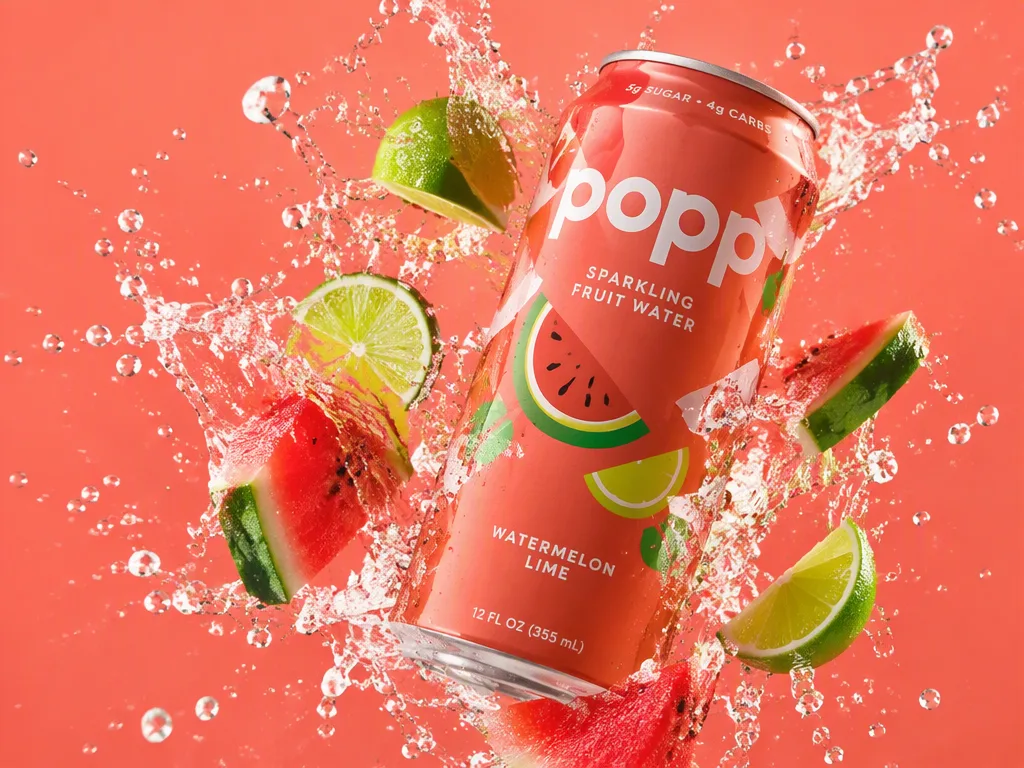
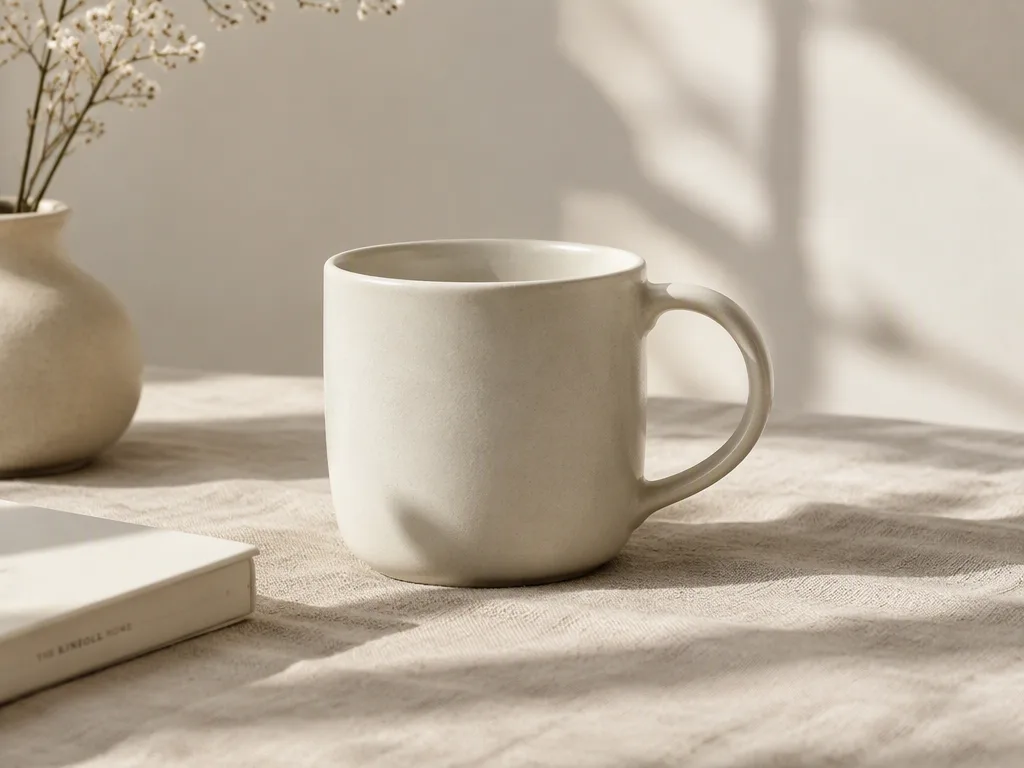
Place a product in a styled setting without booking a shoot. Describe the surface, lighting, and mood, then generate listing images, lifestyle shots, and seasonal variants from the same brief.

Product scene generated for an ecommerce listing

Social posts and thumbnails

Produce feed posts, story backgrounds, and video thumbnails at the right ratio the first time. Keep a consistent look across a series by reusing the prompt and swapping the subject.

Social post visual generated from a prompt

Concept art and moodboards

Explore directions early, when the point is to compare options rather than finish one. Generate several takes on a scene, keep what works, and hand the shortlist to the team that takes it further.

Concept art exploration generated from a prompt

GPT Image 2.5 Flare FAQ

Common questions about generating and editing images with GPT Image 2.5 Flare.

GPT Image 2.5 Flare is an AI Image Generator and AI Image Editor based on the OpenAI GPT Image 2.5 Flare model. It creates new images from text prompts and edits existing images with reference-guided instructions.

Yes. Every visitor gets a daily free quota, so you can test prompts and compare models before deciding whether to upgrade.

Flare is tuned for speed: it turns a brief into a usable visual direction quickly, so you can explore several routes before committing to one. Other ZeroGen models trade off differently, so the fastest way to choose is to run the same prompt through a couple of them and compare.
Auto, 1:1, 4:3, 3:4, 16:9, and 9:16. Pick the ratio before generating so the composition is framed correctly rather than cropped afterwards.

Yes. Upload a reference image, describe the change, and generate. The reference guides the result instead of starting from a blank prompt.

Images generated on the free quota include a small ZeroGen.io mark. Subscription plans return the image without it.

You do. Generated images are yours to use, including commercially, subject to the terms of service.

Name the subject, then the setting, lighting, material, mood, and framing. Short prompts leave the model guessing; two or three specific sentences usually land closer on the first try.

AI Image Generator & AI Image Editor based on OpenAI GPT Image 2.5 Flare

Generate your first GPT Image 2.5 Flare image

Start from a prompt or upload a reference image, choose a ratio, generate with your daily free quota, then download the result or refine it again.

Open GPT Image 2.5 Flare