
Standard cleanup
Best for light text marks, date stamps, and simple overlays.
Only remove marks from images you created, own, licensed, or have permission to edit.
Sample cleanup result. Upload one image to create your own.
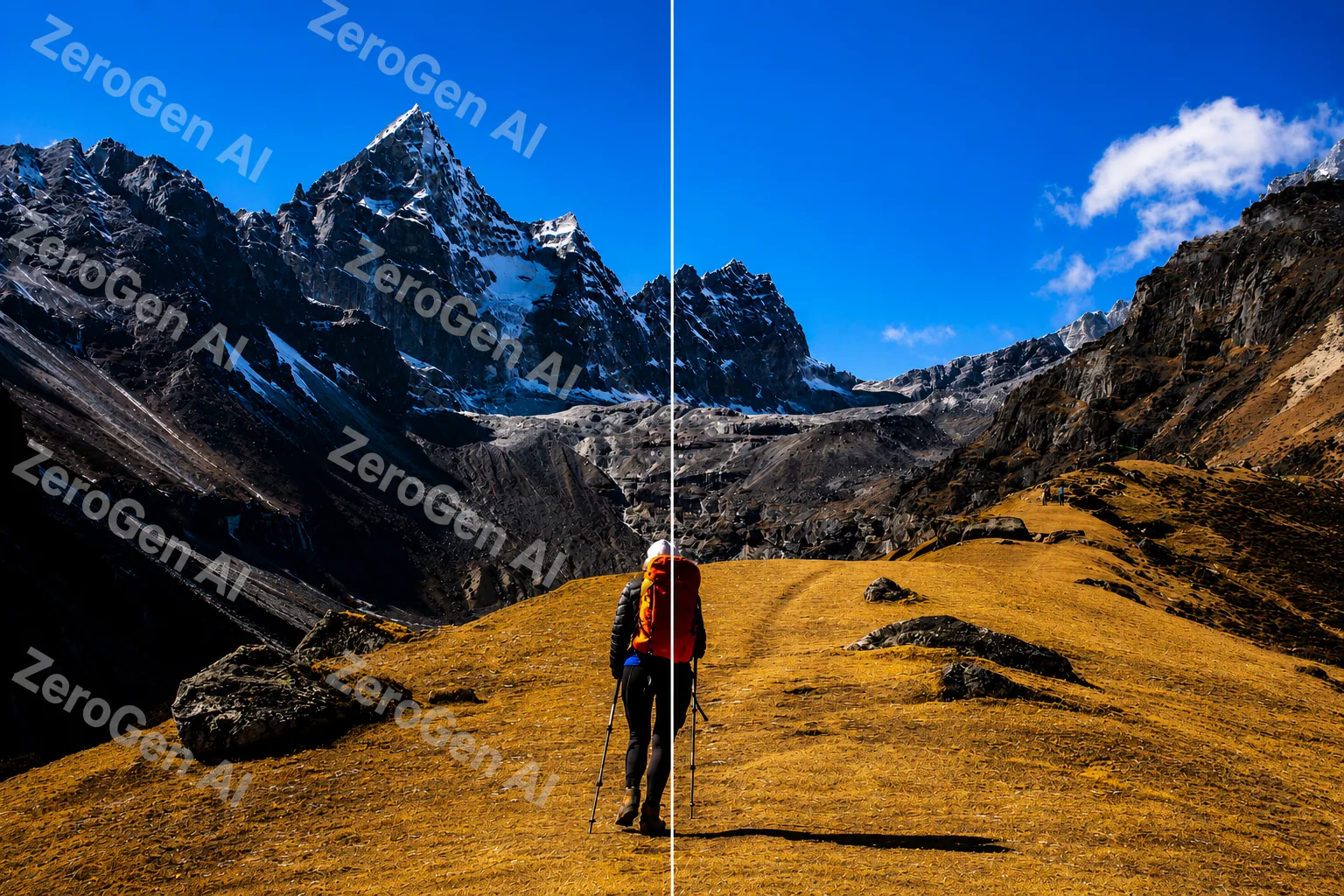
AI Watermark Remover - Free Remove Watermarks from Images
Upload one JPG, PNG, or WebP image, choose Standard or Premium cleanup, and check the repaired area before you download. Use it for product shots, approved campaign drafts, old scans, and other images you own or have permission to edit.
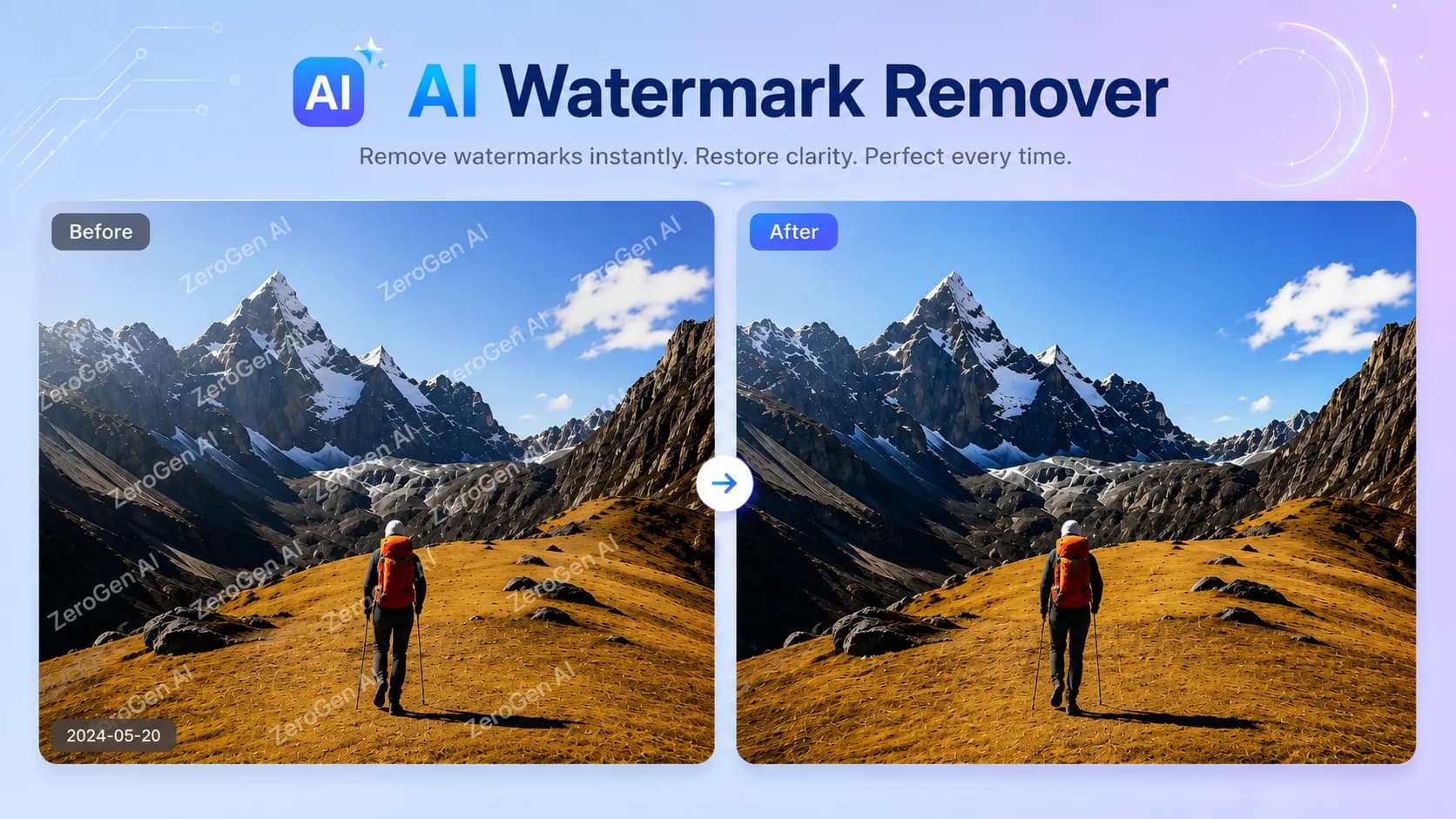
What is AI Watermark Remover?
AI Watermark Remover is an online image cleanup tool for visible text watermarks, small logo overlays, proof marks, and date stamps. Add a file, pick a cleanup mode, and the tool repairs the marked area with nearby color, lighting, and texture. It is useful when a manual clone-stamp pass would take too long, especially on product photos, campaign drafts, archive scans, presentation images, and personal photos you are allowed to modify.
- Upload one JPG, JPEG, PNG, or WebP image up to the 16MB limit shown in the panel.
- Use Standard for lighter marks. Use Premium when the mark crosses faces, packaging, fabric, gradients, or product edges.
- Review the cleaned result before download, then replace the image when you want to clean another file.
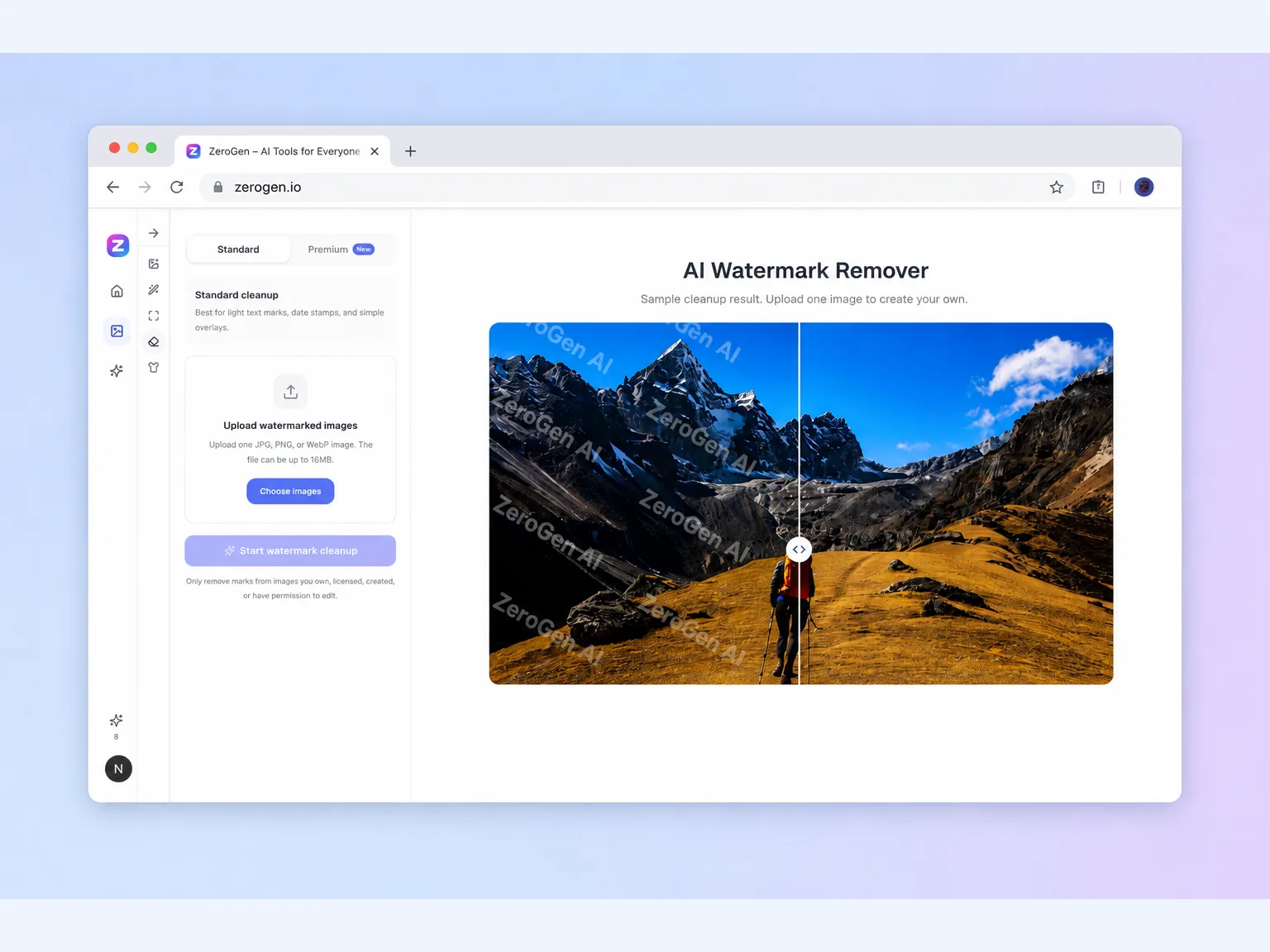
Why use AI Watermark Remover on harder photos
Plain backgrounds are easy. The harder job is a watermark across sky, water, hair, fabric, packaging, or a product edge. AI Watermark Remover gives you a cleanup mode for those cases and a preview so you can judge the repair before using the image.
Remove marks from outdoor photos
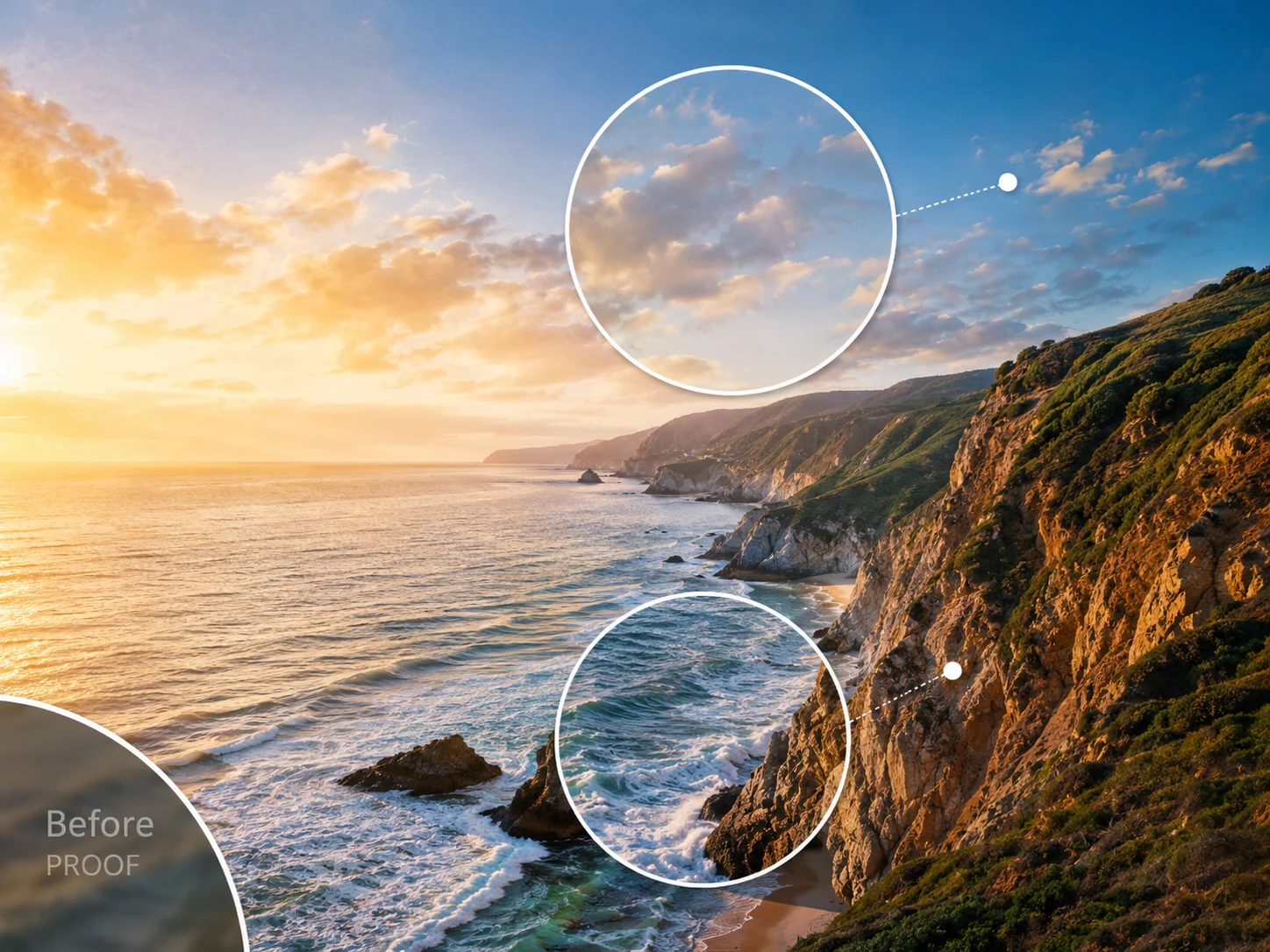
A date stamp on a travel photo can sit across clouds, water, trees, or a mountain ridge. AI Watermark Remover is built for those uneven backgrounds, where a blur brush usually leaves a soft rectangle. It reads nearby texture and color so the repaired area has a better chance of blending back into the scene.
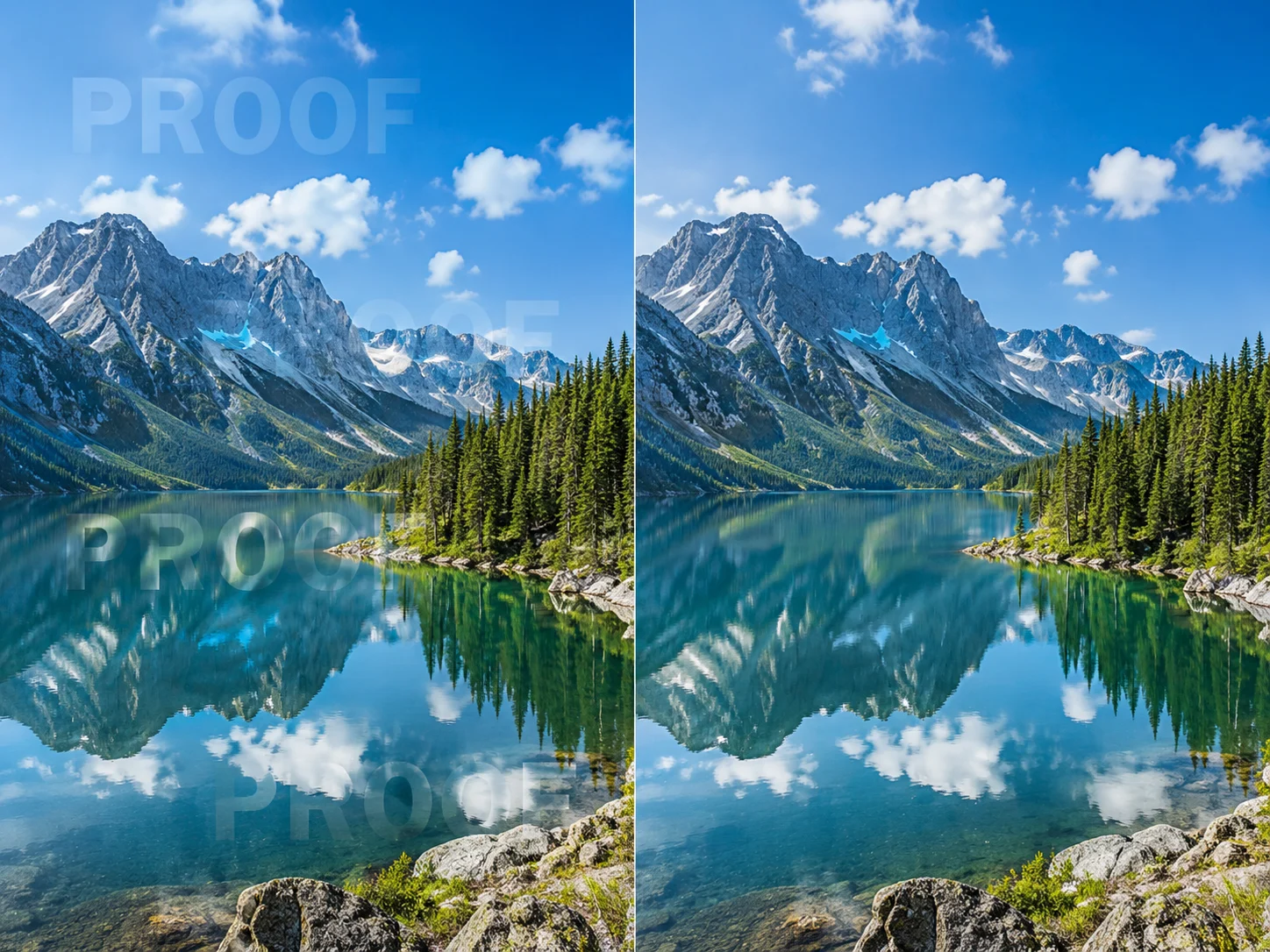
Repair texture instead of smearing it
A good cleanup should not replace a watermark with a cloudy patch. AI Watermark Remover uses nearby lighting, shadow, grain, and surface detail to rebuild the covered area. The result still needs your review, but it gives you a cleaner starting point than a quick blur or crop.
Keep the photo usable after cleanup
Removing the mark is only part of the job. The image still has to look natural enough for a listing, post, deck, or personal archive. AI Watermark Remover shows the cleaned result before download, so you can catch obvious repair marks and try another pass when the source image is too busy.
Where AI Watermark Remover helps most
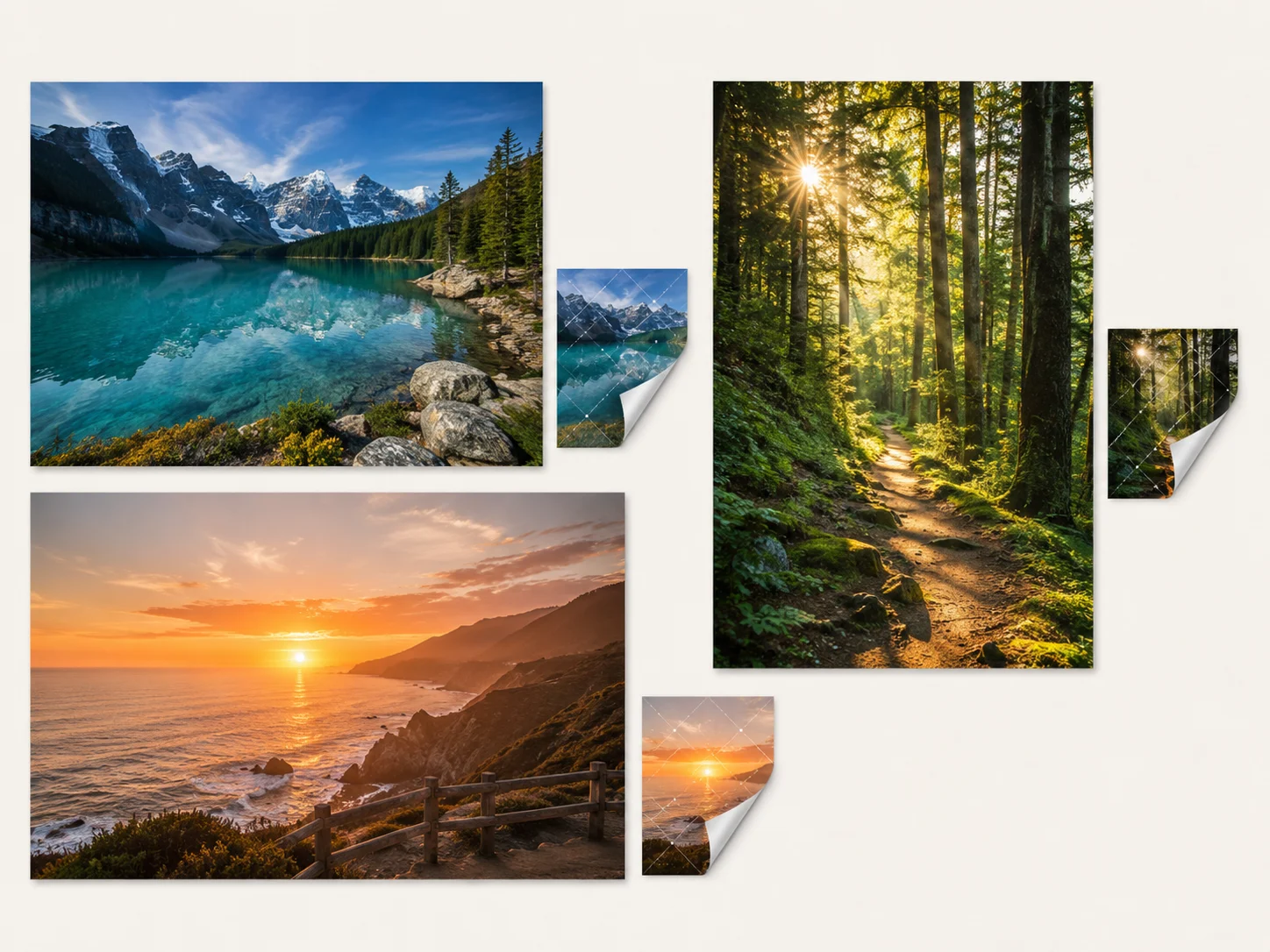
Use AI Watermark Remover when a visible mark distracts from an image you created, licensed, received approval to modify, or need to restore for personal use. It can remove watermark from image files, but it is not a shortcut around ownership rules.
Product photos and marketplace listings
Supplier images sometimes arrive with sample stamps, small logos, or date marks. After you have approval to edit them, AI Watermark Remover can clean the mark before you build a product gallery. Review the output closely around packaging text, fabric, glass, and product edges.

Campaign drafts and social visuals
Proof text can get in the way after a campaign visual is approved. Use AI Watermark Remover to remove text watermark from image drafts, then continue with final headlines, brand marks, and calls to action in your design tool.

Personal scans and photo archives
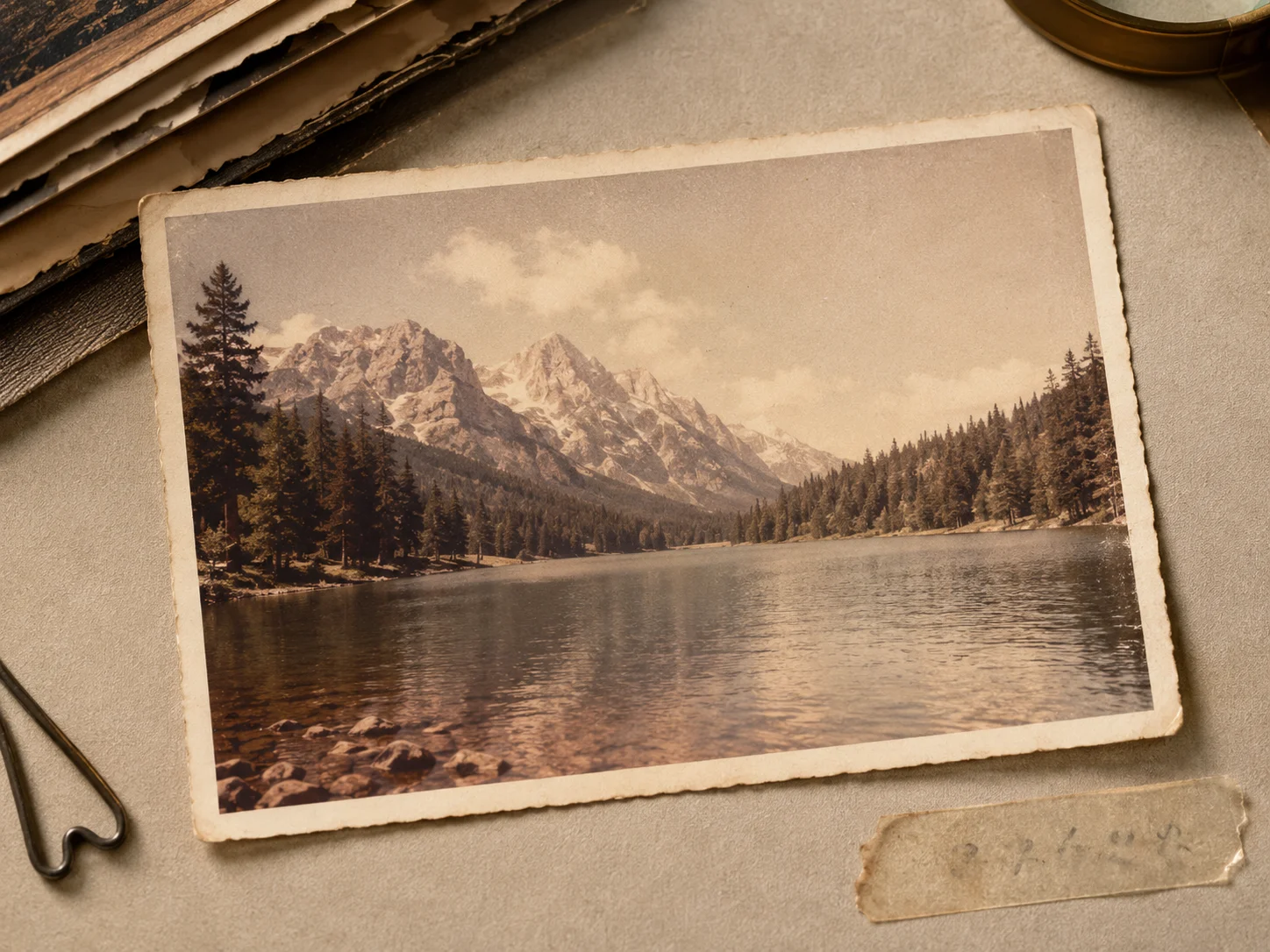
Old scans often include lab dates, archive labels, or handwritten notes near the subject. AI Watermark Remover can help remove watermark from photo scans while keeping faded paper, film grain, and aged color as natural as possible.
How to remove watermarks with AI Watermark Remover
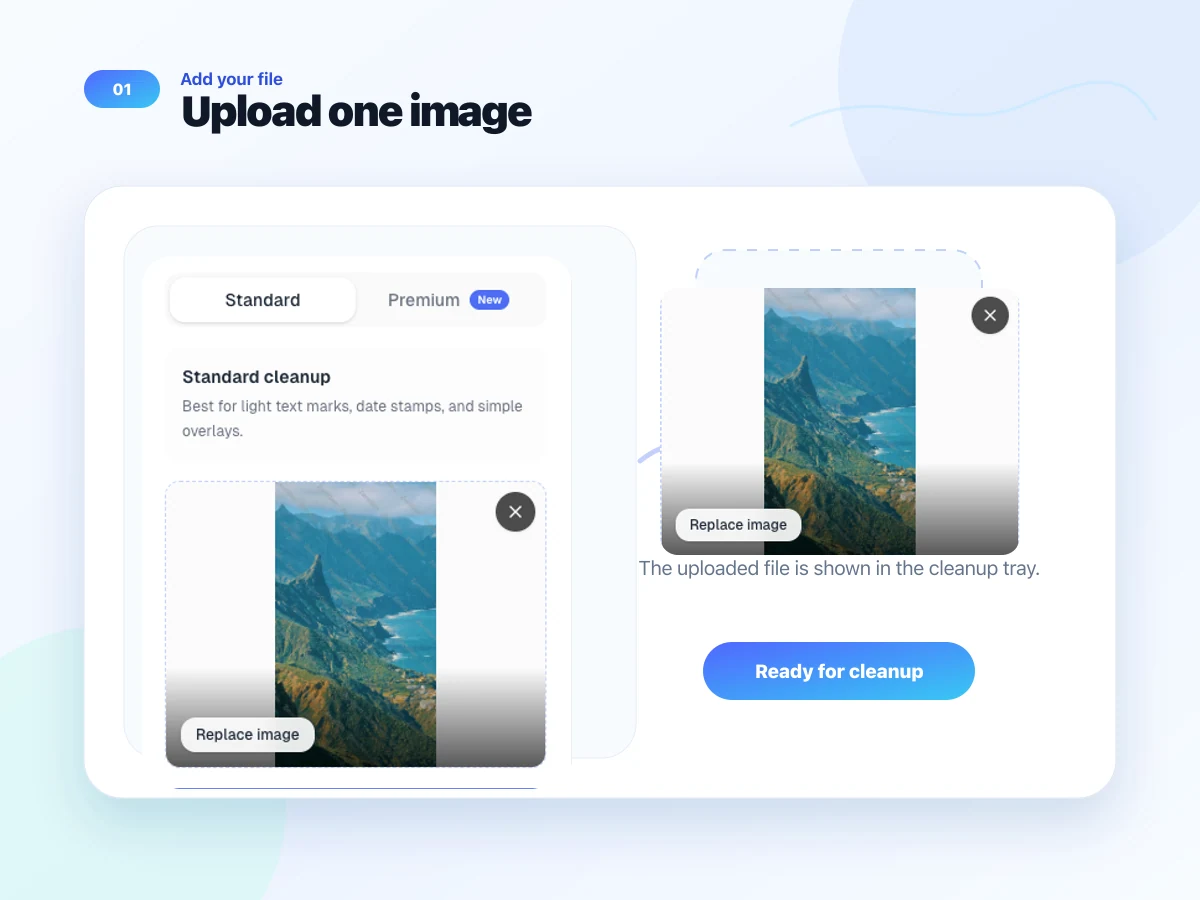
Upload one image, choose a cleanup mode, then compare the repaired result before download.
Upload one image
Add a JPG, JPEG, PNG, or WebP file from your device. Keep it under the 16MB limit shown in the panel. When you want to clean another photo, replace the current upload.
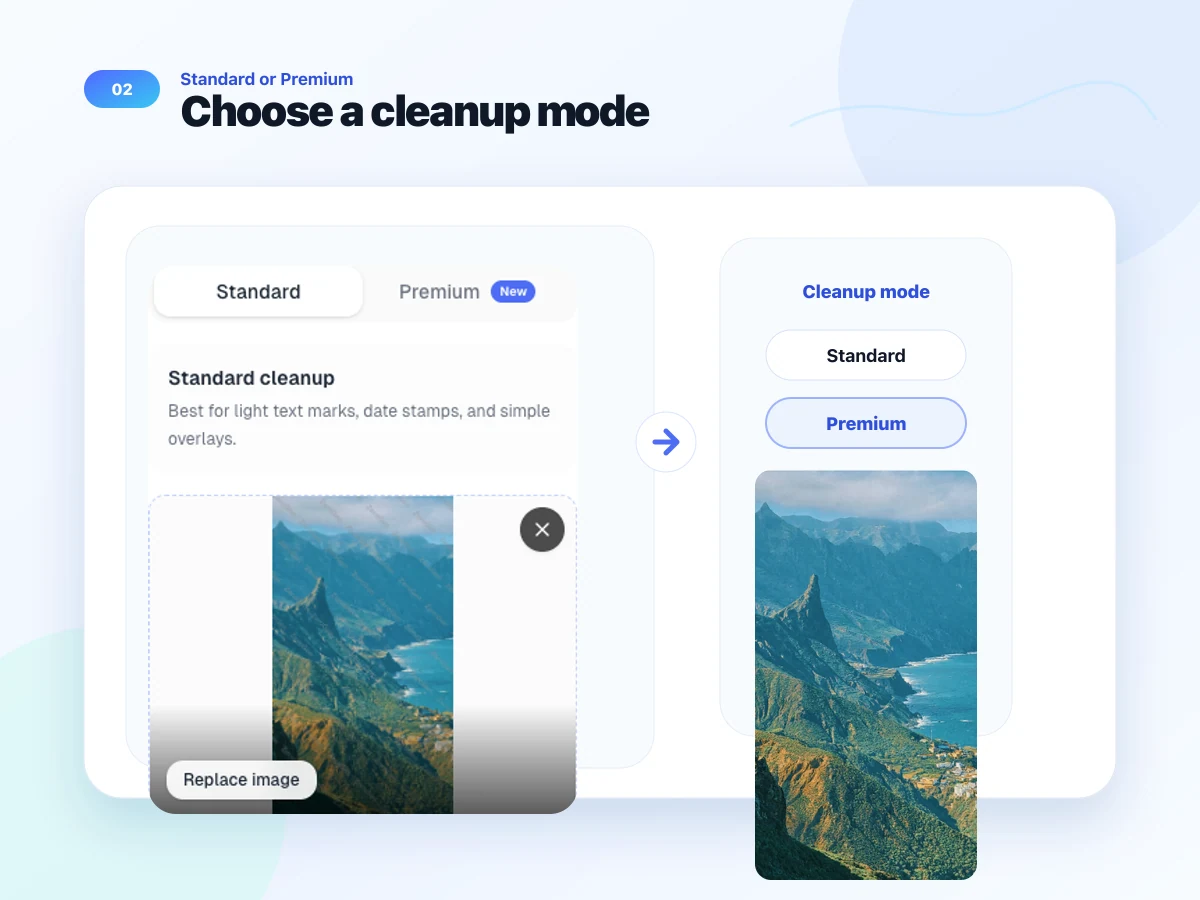
Choose Standard or Premium
Pick Standard for lighter marks and simple overlays. Pick Premium when the watermark crosses textured backgrounds, faces, fabric, product edges, or gradients that need a more careful repair.
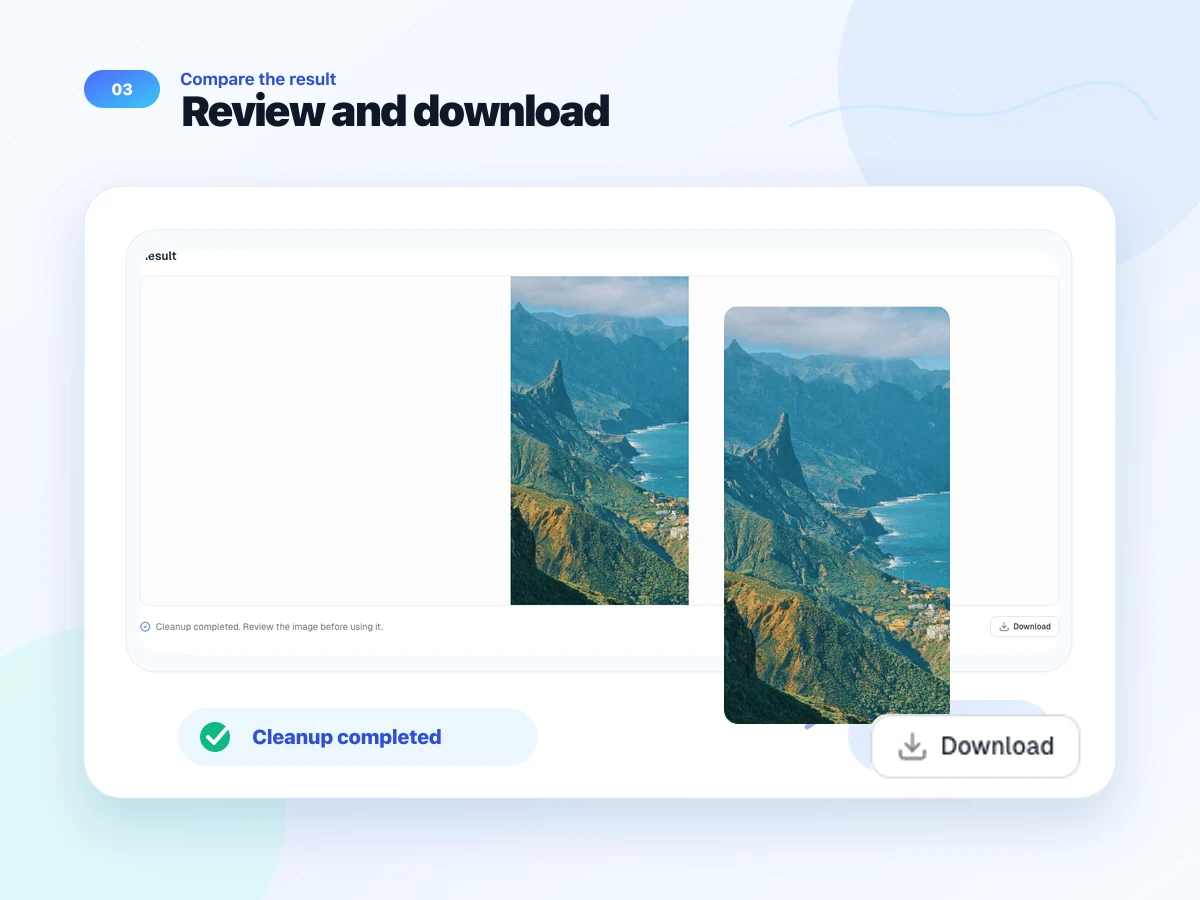
Review the result and download
Check the repaired area before using the image. If a large watermark covers a detailed subject, try another pass or start from a cleaner original.
How creators use AI Watermark Remover
Workflows for sellers, creators, photographers, and teams cleaning images they are allowed to edit.
Maya Chen
E-commerce Manager
Supplier folders often include sample stamps in the corner of product shots. I run one approved image through AI Watermark Remover, check the preview around the packaging, and then move it into the listing workflow after the first upload, not before.
Jordan Rivera
Content Producer
I still do final retouching by hand, but this helps when a proof mark needs to come off a campaign draft before I put it in a client deck. The preview keeps me from using a bad repair on deadline.
Priya Sharma
Portrait Photographer
Client preview images sometimes carry temporary marks after selection. I use the cleaned file as a starting point, then check skin, hair, and background texture before I send anything final to a client or save it with the finished set.
Ethan Brooks
Marketplace Seller
Most of my cleanup jobs are simple date stamps on approved product photos. AI Watermark Remover saves me from opening a full editor for every small mark, but I still zoom in before download and upload to the marketplace page.
AI Watermark Remover FAQ
Answers about formats, cleanup modes, result quality, and responsible watermark removal.
AI Watermark Remover helps remove text watermarks, proof marks, small logos, and date stamps from images you own or have permission to edit. It repairs the marked area with nearby color, lighting, and texture instead of only blurring the image.
The upload panel accepts JPG, JPEG, PNG, and WebP images. Each file must stay within the 16MB upload limit shown in the tool. Clearer source images usually give AI Watermark Remover more detail to use during cleanup.
Standard works best for lighter text marks, date stamps, and simple overlays. Premium is for watermarks that cross product edges, portraits, fabric, packaging, gradients, or other detailed areas where the repair needs more care.
No. AI Watermark Remover processes one image at a time, so you can inspect the repaired area before downloading the result. Replace the uploaded image when you are ready to clean another file.
It can help with many visible marks, but large or repeated watermarks are harder because they hide more original detail. Use Premium for complex cases, review the preview carefully, and start from the clearest source image you have.
Any automated cleanup can change nearby detail, especially when the watermark covers faces, text, product edges, or textured backgrounds. AI Watermark Remover shows the cleaned result before download so you can check the repair before using it.
Yes. AI Watermark Remover includes a daily credit allowance for trying the tool. After those daily credits are used, log in and subscribe to get more credits before continuing again.
Only remove watermarks from images you created, own, licensed, or have permission to modify. Watermarks can signal copyright, attribution, review status, or licensing restrictions, so ask the image owner when you are unsure.
Clean watermarked images with more control
Try AI Watermark Remover on your next image
Upload one image, choose a cleanup mode, and check the repaired area before you use the result in a listing, deck, post, or archive workflow.
Start watermark cleanup