
Result
Generated image will appear here
Enter a prompt to get started
Free AI Image Editor – Image to Image AI, Online, No Sign-Up
An AI image editor that helps you perfect images in minutes. Easily handle photo restoration, style transformation, background removal, and image enhancement — no complex software, with free daily credits.
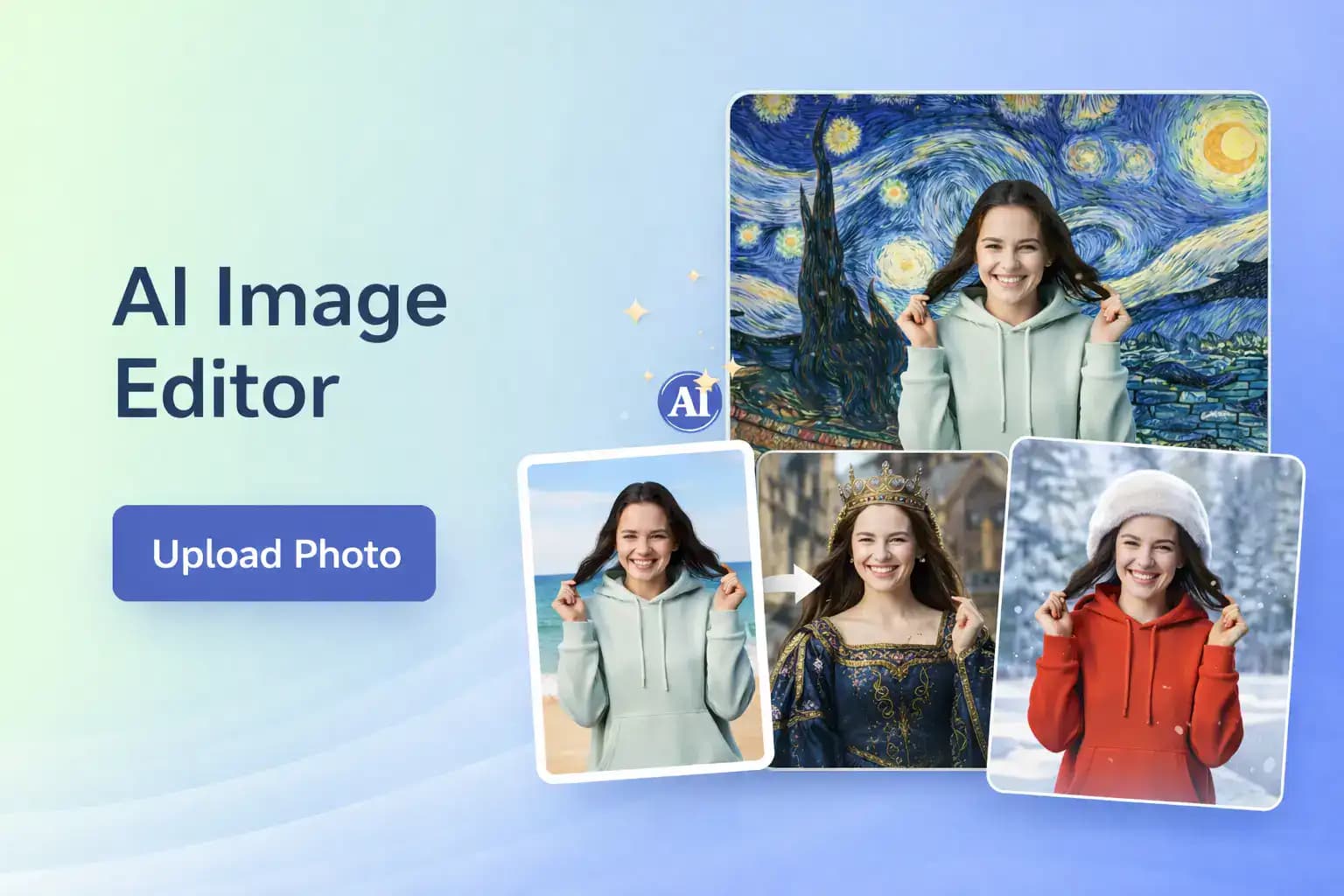
What is an AI Image Editor?
An AI Image Editor is an AI-powered image editing tool. It allows you to modify individual elements within an image, transform image styles, remove or replace backgrounds, and enhance image clarity. All edits are made in a simple workspace where you stay in control of the final result. Compared to traditional desktop editing software, the AI Image Editor is designed to be faster and easier to use. It helps marketers, creators, and small teams complete common image edits efficiently, keep projects moving, and maintain consistent visuals across different use cases.

Why teams rely on the AI Image Editor
The editor balances precision and speed so teams can edit confidently while staying on schedule.
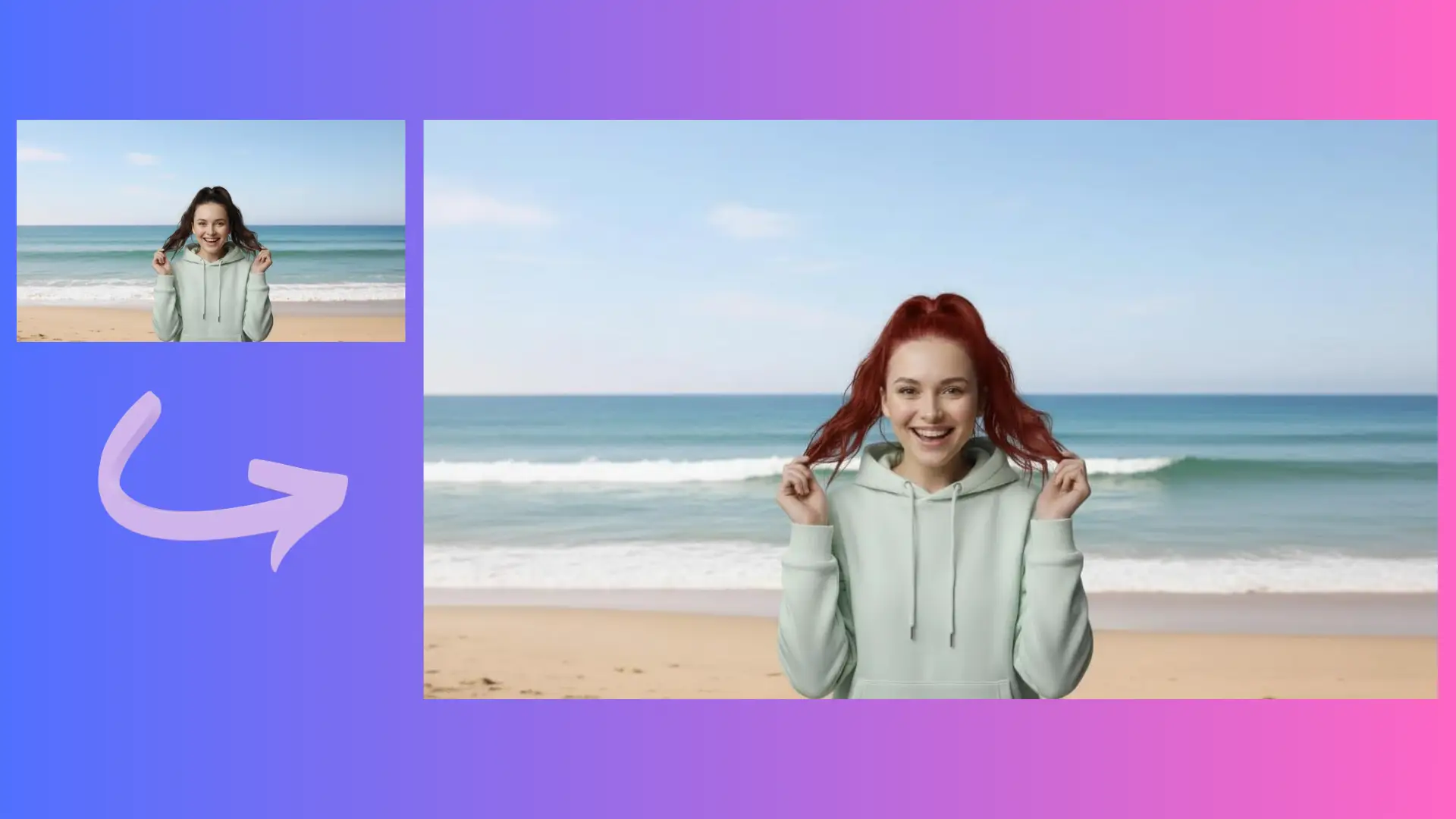
Precise retouching with the AI Image Editor
The AI Image Editor focuses on targeted improvements, so you can clean up distractions without flattening texture or losing detail. It keeps edges clean and highlights balanced, making every edit look deliberate. Use the AI Image Editor to preserve realism while still polishing images for launch-ready assets.
High-resolution edits with the AI Image Editor
The AI Image Editor supports 2K and 4K outputs, so your edits stay crisp at large sizes. Preserve fine texture, sharp edges, and clean gradients when exporting for print, web, or product galleries.
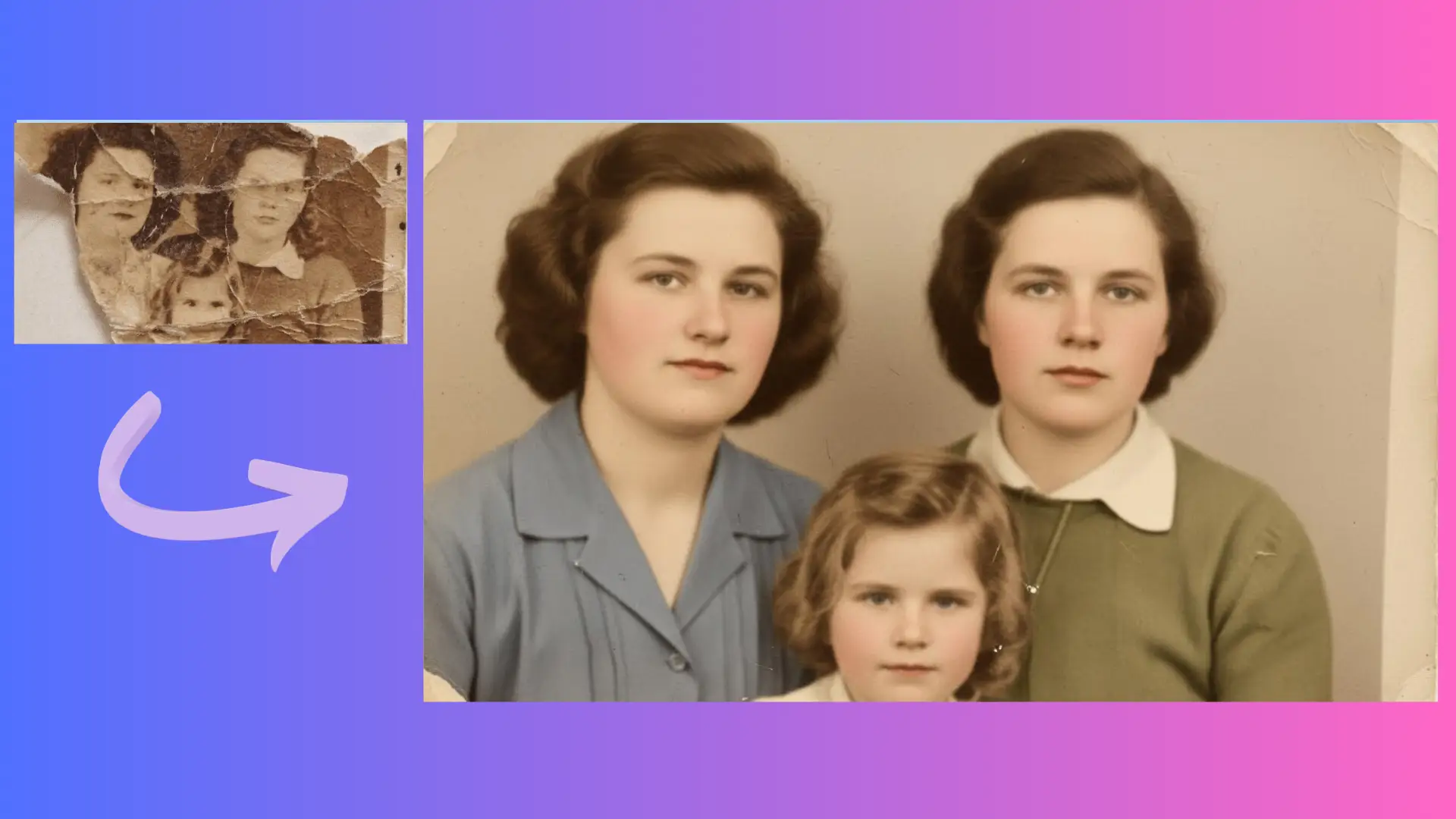
Consistent edits with the AI Image Editor
The AI Image Editor helps maintain consistent color, clarity, and tone across batches of images. Keep brand visuals aligned across channels, from product shots to social graphics. With the AI Image Editor, teams can apply repeatable adjustments and keep every asset on-brand.
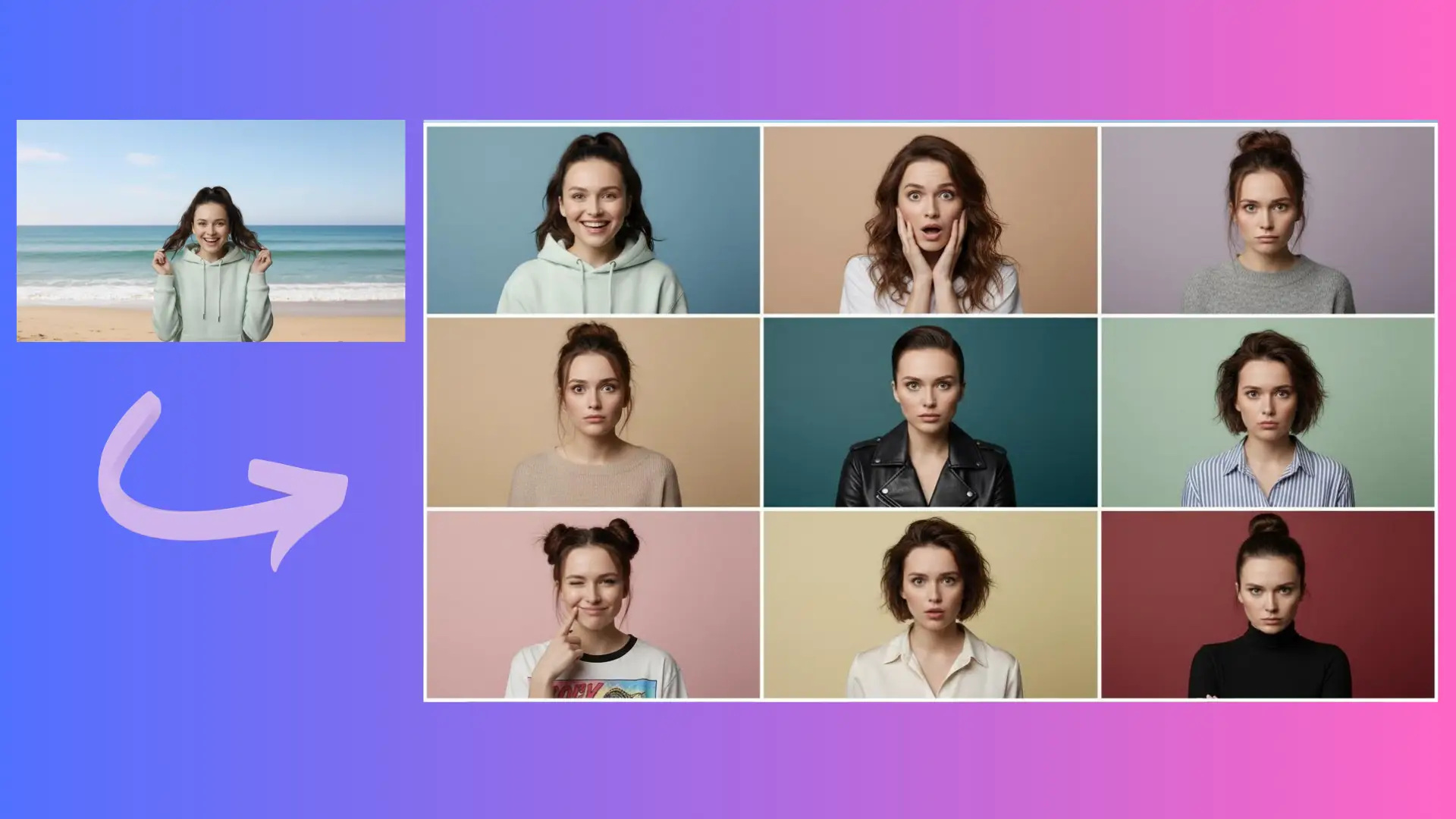
Where the AI Image Editor fits best
Use the tool to clean up, enhance, and standardize images wherever quality and speed matter.
Product listings
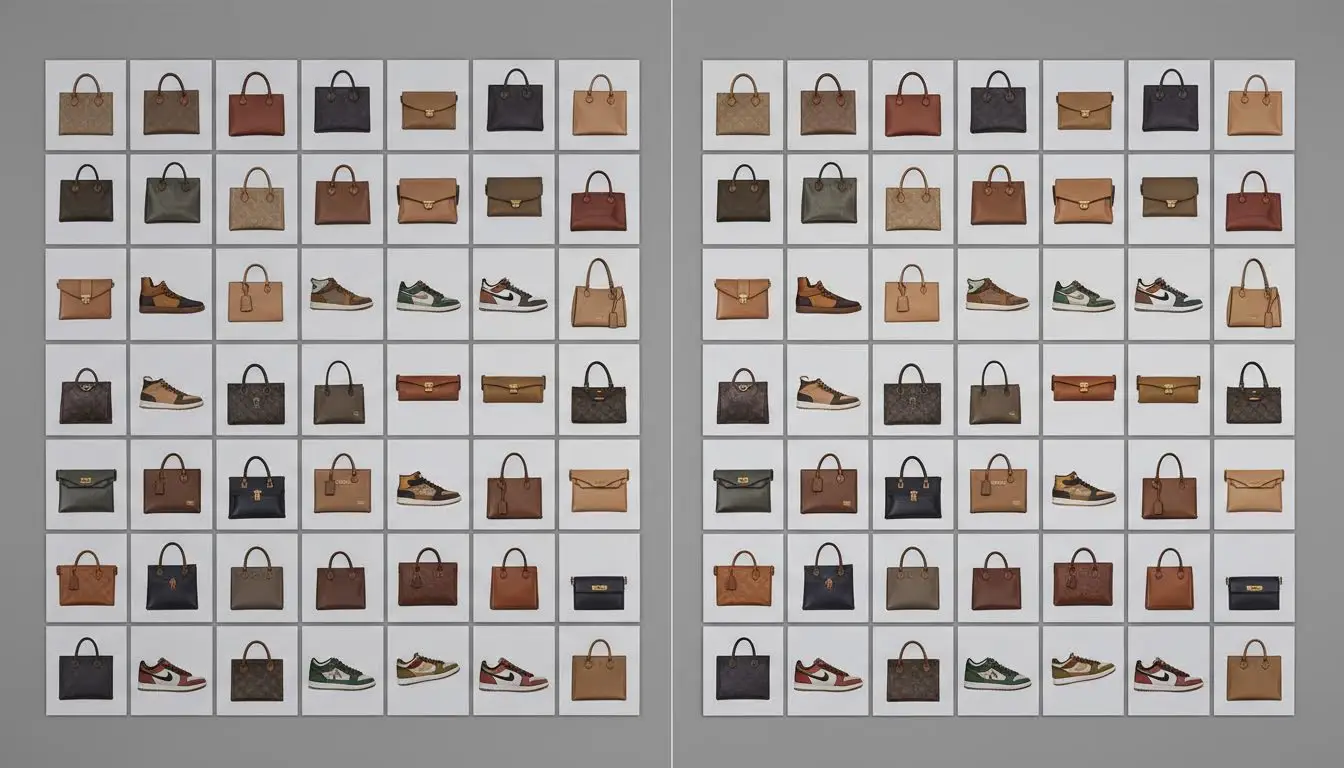
Refine product photos for ecommerce catalogs with the AI Image Editor. Clean backgrounds, balance color, and make images look consistent across every SKU without spending hours per image.

Campaign refreshes
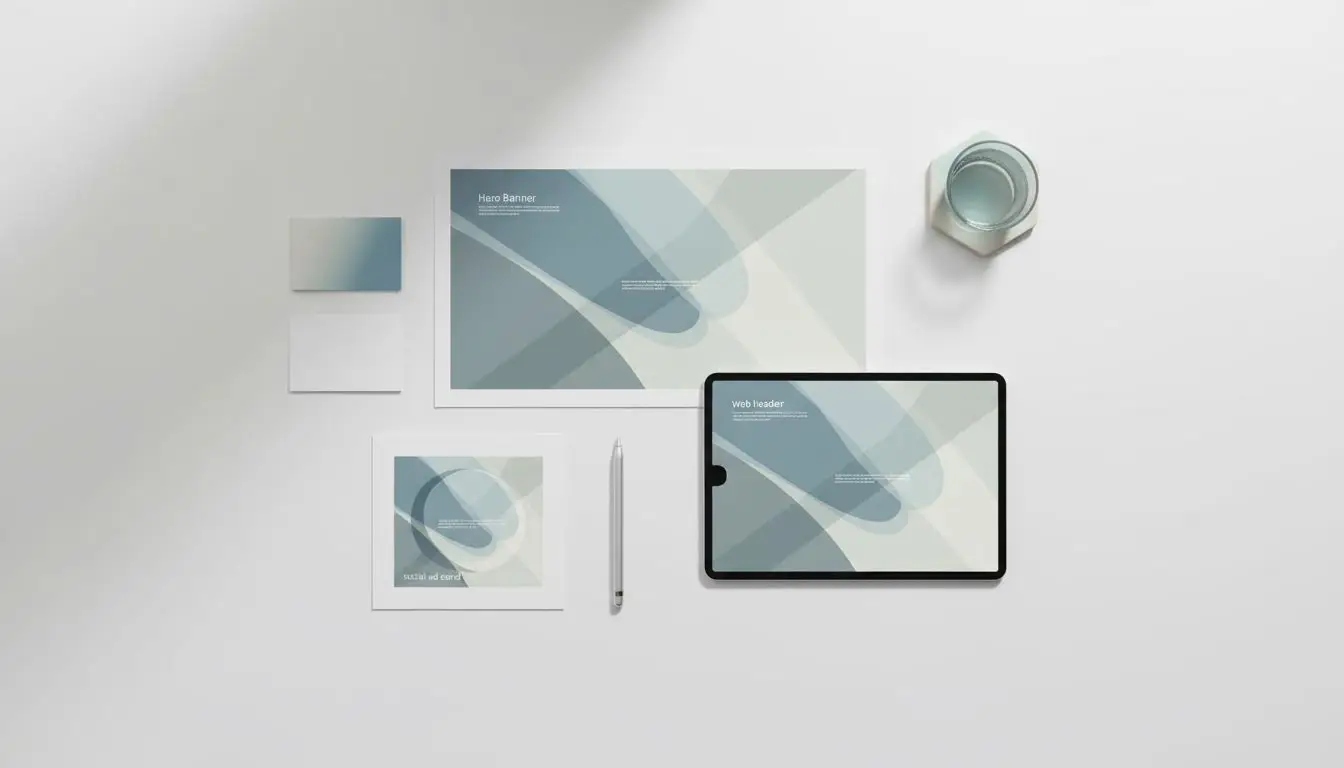
Keep launches fresh by updating hero visuals, banners, and ads. The AI Image Editor helps you polish assets quickly so marketing teams can move at campaign speed.
Social media batches
Prepare consistent social posts in a single session. The AI Image Editor keeps lighting and color aligned so feeds look cohesive across multiple channels.

Brand consistency checks
Audit and correct legacy assets before reuse. With the AI Image Editor, teams can match tone, sharpness, and color so older visuals align with current brand standards.
How to edit images with the AI Image Editor
The workflow is simple: upload, describe the change, then refine until it looks right.

Upload or select your base image
Click to upload images from your device, or select existing ones. You can choose one or multiple images you want to modify and add them to the AI Image Editor to begin.

Describe the change and refine
Describe the changes you want to make, such as fixes or enhancements. Submit your request and refine the result by adjusting tone, clarity, and details until the edit feels right.

Download and keep iterating
Download the edited result, or continue making adjustments. The AI Image Editor allows you to compare different versions and choose the best outcome.
Teams choose the AI Image Editor
Marketers, creators, and ecommerce teams rely on the AI Image Editor to keep edits fast and on brand.
Olivia Carter
Ecommerce Manager
The AI Image Editor helps us clean up product photos without slowing down launches. We adjust backgrounds, fix lighting, and keep everything consistent with our brand standards. It feels like a real editing workflow, but the AI Image Editor saves hours each week.
Daniel Ruiz
Growth Marketer
When campaigns change fast, the AI Image Editor keeps us moving. We can retouch hero graphics and ad creatives in minutes and keep the quality high. The AI Image Editor gives us speed without losing the polished look we need.
Mei Tan
Content Creator
I use the AI Image Editor for quick cleanup before posting. It keeps my images sharp, balances color, and removes distractions while still feeling natural. The AI Image Editor makes my workflow feel professional even when I am working solo.
Lucas Hart
Design Lead
Our team edits batches of assets for multiple channels. The AI Image Editor helps us maintain consistent tone and clarity without manual tweaks on every file. It is a reliable AI Image Editor for fast reviews and clean final output.
Ava Singh
Social Media Manager
I need quick fixes all the time. The AI Image Editor lets me brighten, crop, and polish visuals for each platform with minimal effort. The AI Image Editor keeps my content consistent across a busy posting calendar.
Ethan Brooks
Founder
As a small team, we cannot afford complex editing workflows. The AI Image Editor gives us clean, professional results for product launches and pitch decks. It is the AI Image Editor we rely on for quick, high-quality edits.
AI Image Editor FAQ
Common questions about using the AI Image Editor for daily editing work.
Yes. The AI Image Editor includes daily free credits, so you can test edits and compare results before upgrading. Use the free credits to validate quality, then scale when you need higher volume.
The AI Image Editor handles retouching, cleanup, color balance, and detail enhancement. If you need an ai photo editor for polishing ecommerce and marketing assets, the AI Image Editor keeps the workflow focused and efficient.
Yes. The AI Image Editor supports image to image ai style adjustments, so you can start from an existing photo and refine the look while preserving important details and composition.
An image editor ai tool may focus on quick effects, while the AI Image Editor is built for controlled, professional adjustments. It keeps edits precise, repeatable, and aligned with brand standards.
For many workflows, yes. The AI Image Editor can cover fast cleanups, retouching, and visual polish you would expect from an ai picture editor, while keeping results consistent across batches.
Define a shared editing checklist and reuse the same prompts and adjustments. The AI Image Editor helps keep color, contrast, and clarity aligned so different team members can deliver consistent results.
Daily free credits
Create polished visuals with the AI Image Editor
Edit with confidence using the AI Image Editor. Use daily free credits to test workflows, refine details, and deliver professional images that stay on brand.
Start editing with AI